What you can make for Halloween 2026
The studio has two starting points. In image mode, one photo becomes the performer and the fixed dance reference supplies the motion. In text mode, your description supplies both the performer and the scene. Both modes produce the same format: roughly ten seconds, vertical, 720p and silent.
That format is intentional. Short vertical clips are the native shape of TikTok, Instagram Reels and YouTube Shorts. A silent file also means you choose the audio yourself, so you are not locked into a music licence that may not cover your account or region.
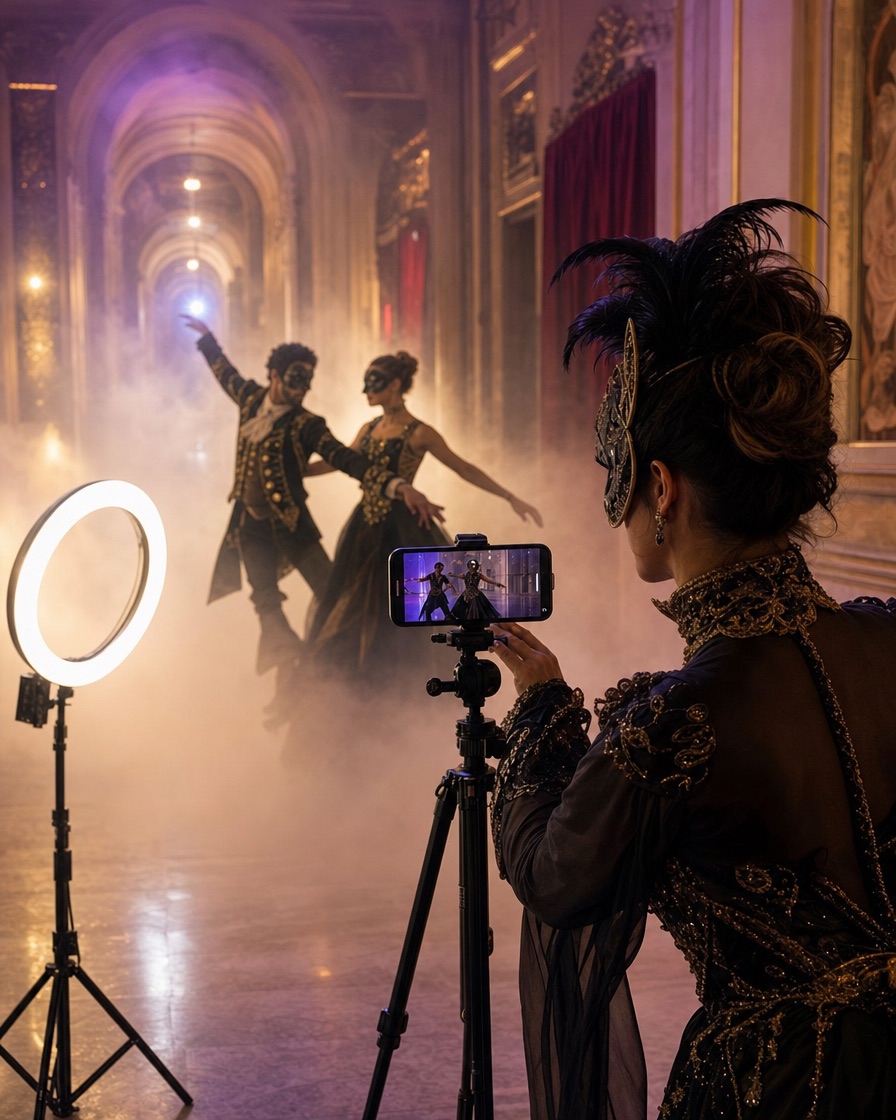
- A costume reveal clip for TikTok or Reels
- A Halloween profile video or story background
- A party invitation clip with a fictional character
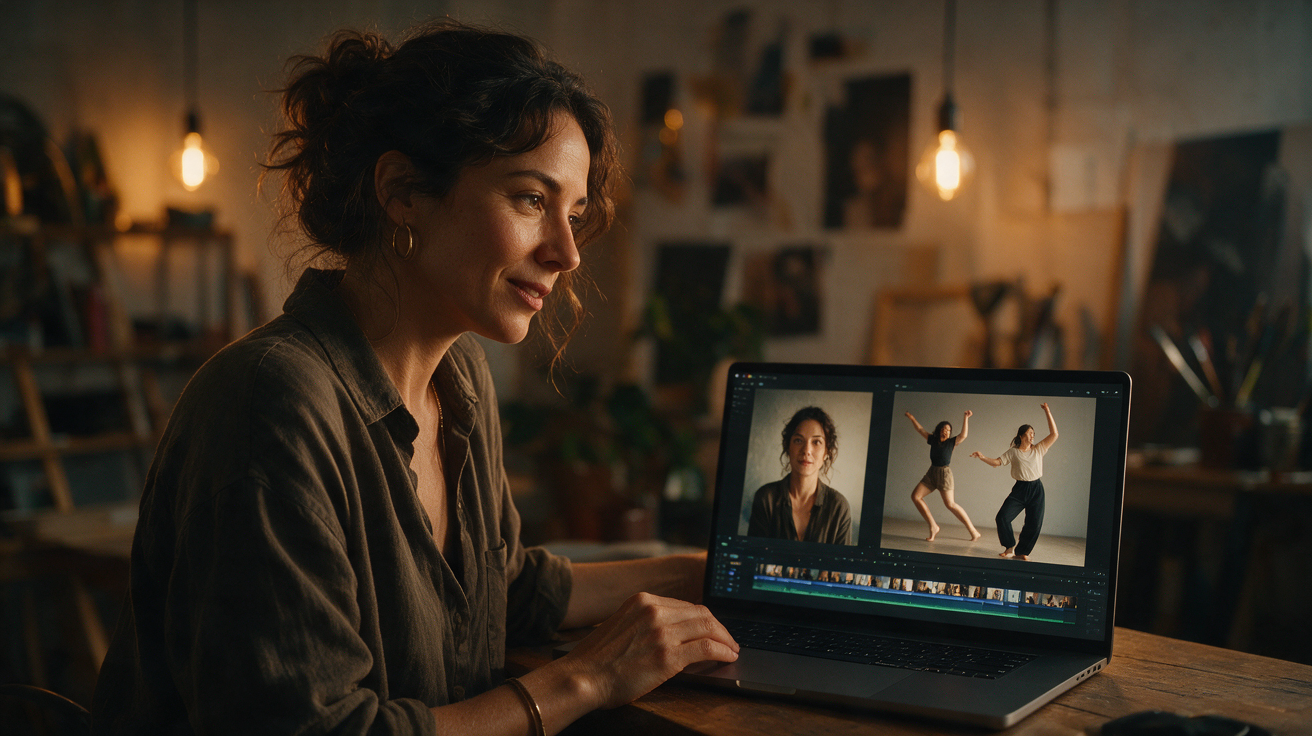
- A before-and-after post that pairs a still photo with the dance
The 2026 trends worth turning into a video
A 2026 Halloween trend roundup highlighted a mix of film mascots, game characters, music icons and animal costumes. The most useful insight for an AI tool is not the exact ranking. It is the shape of the demand: people search for a costume, then look for a way to preview or share it.
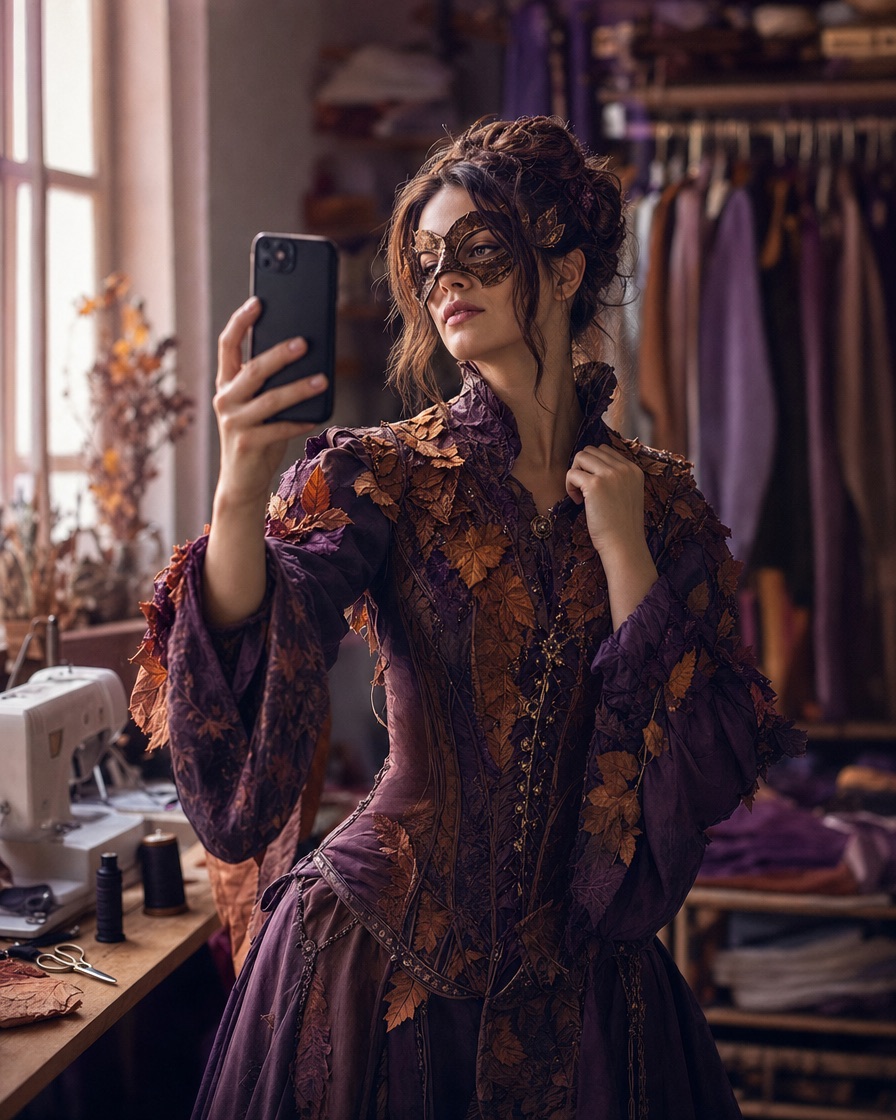
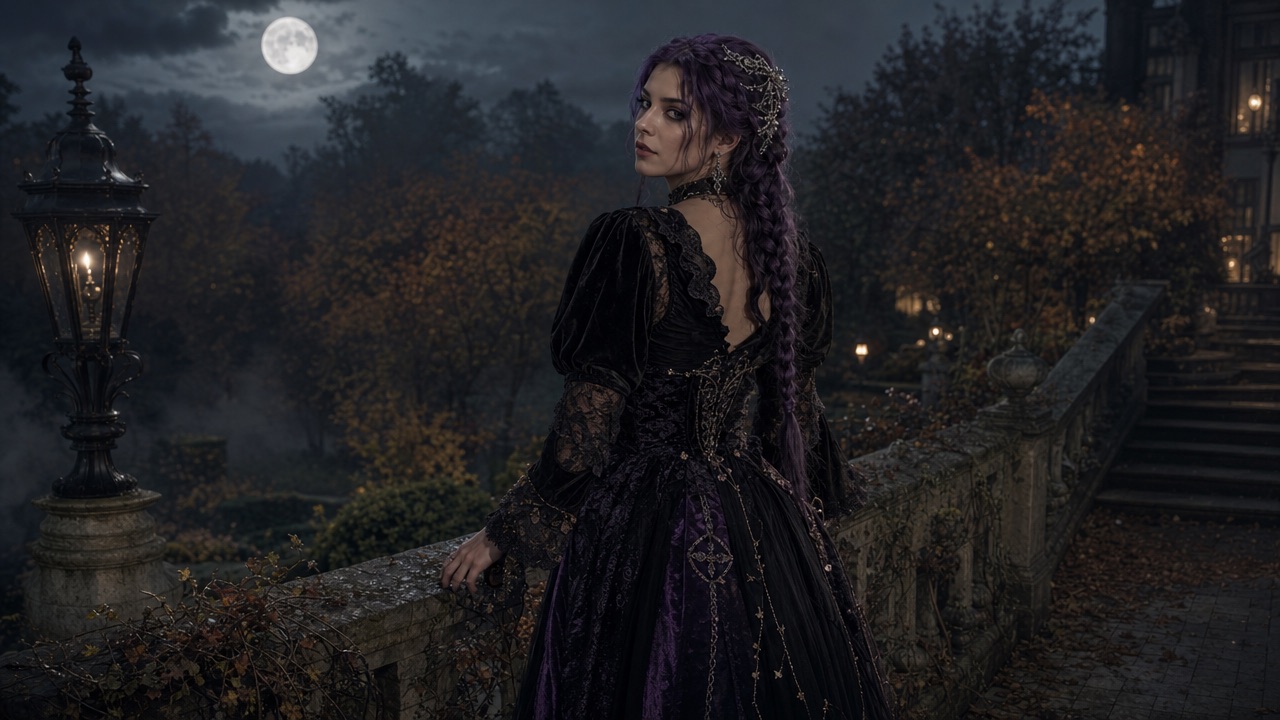
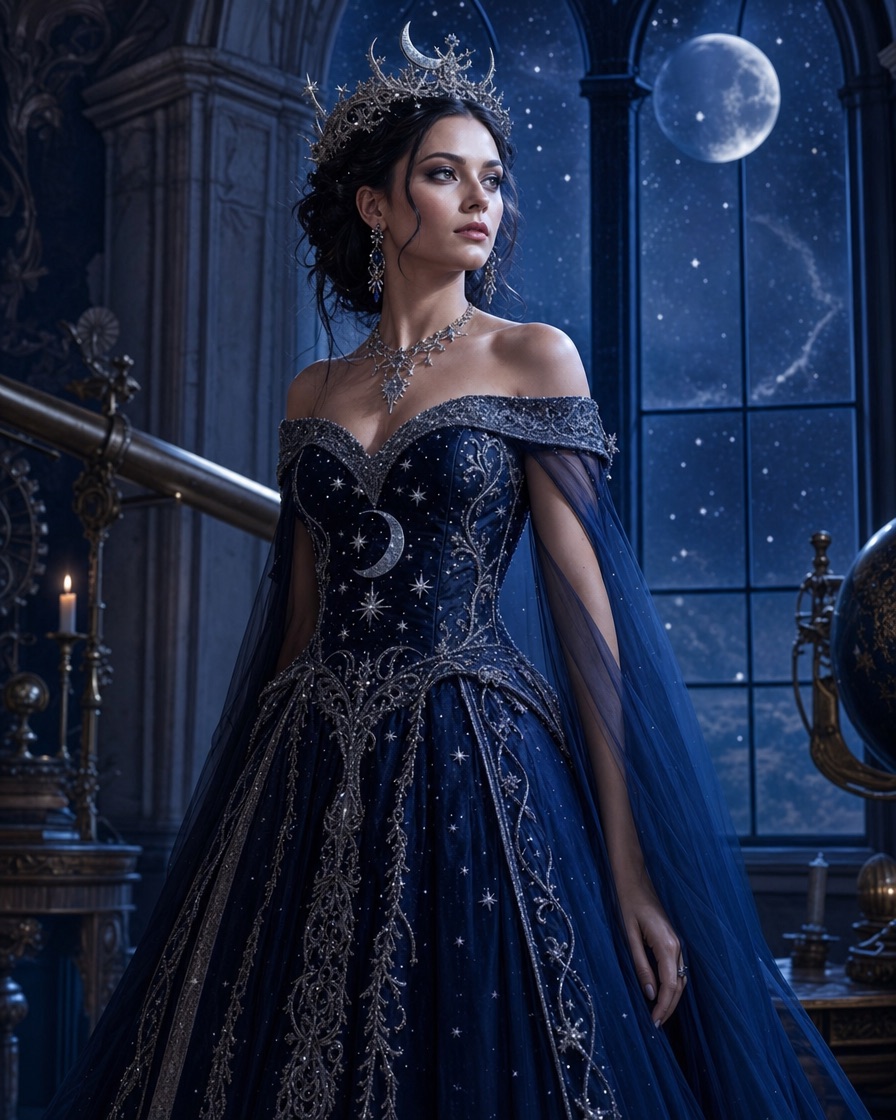
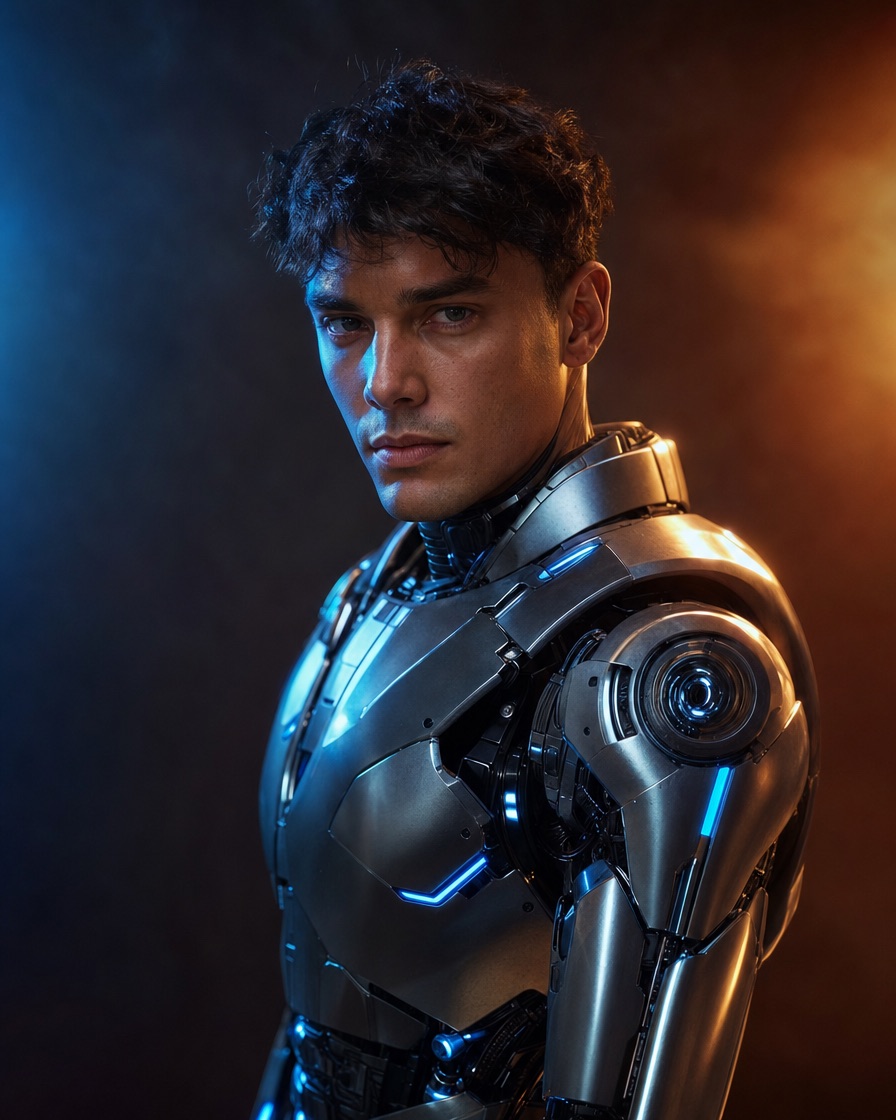
Our trend pages translate those searches into original looks. We do not copy a film costume or a performer's likeness. We take the visual idea, such as braided hair, a glowing gown or a wearable robot frame, and build a prompt around it.
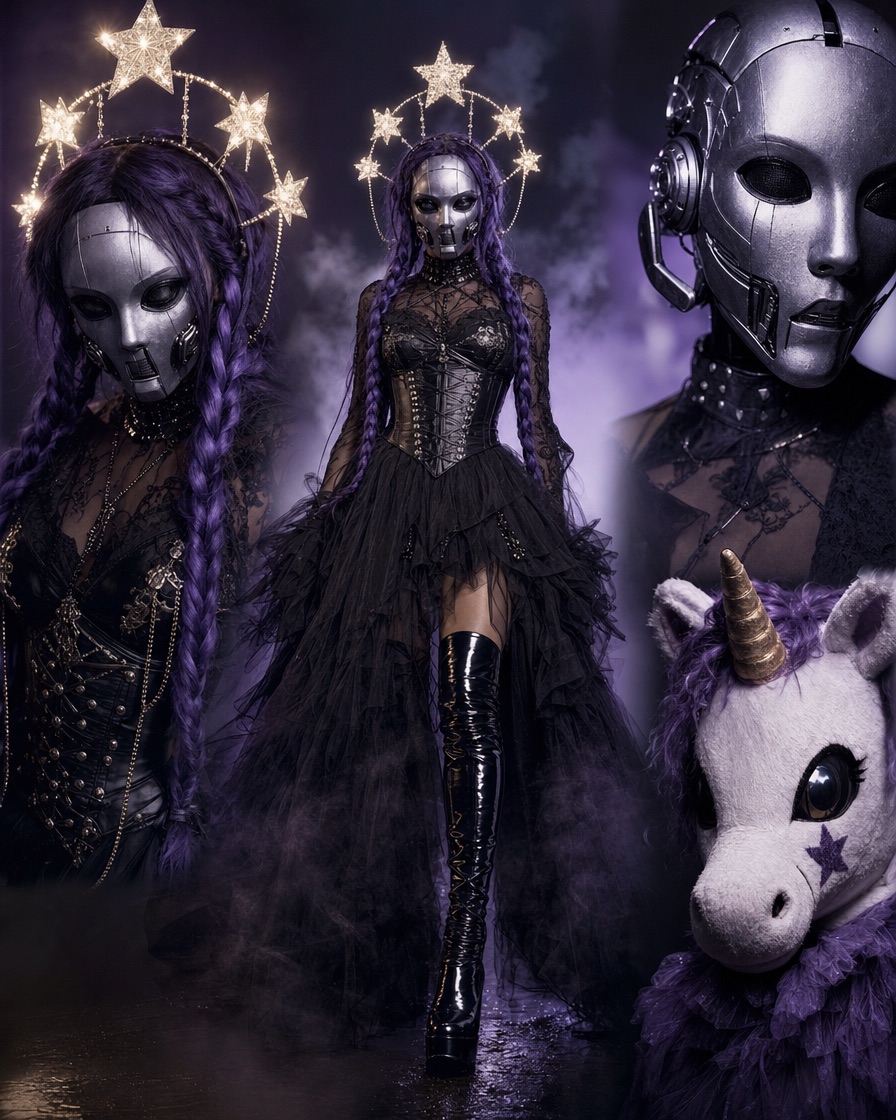
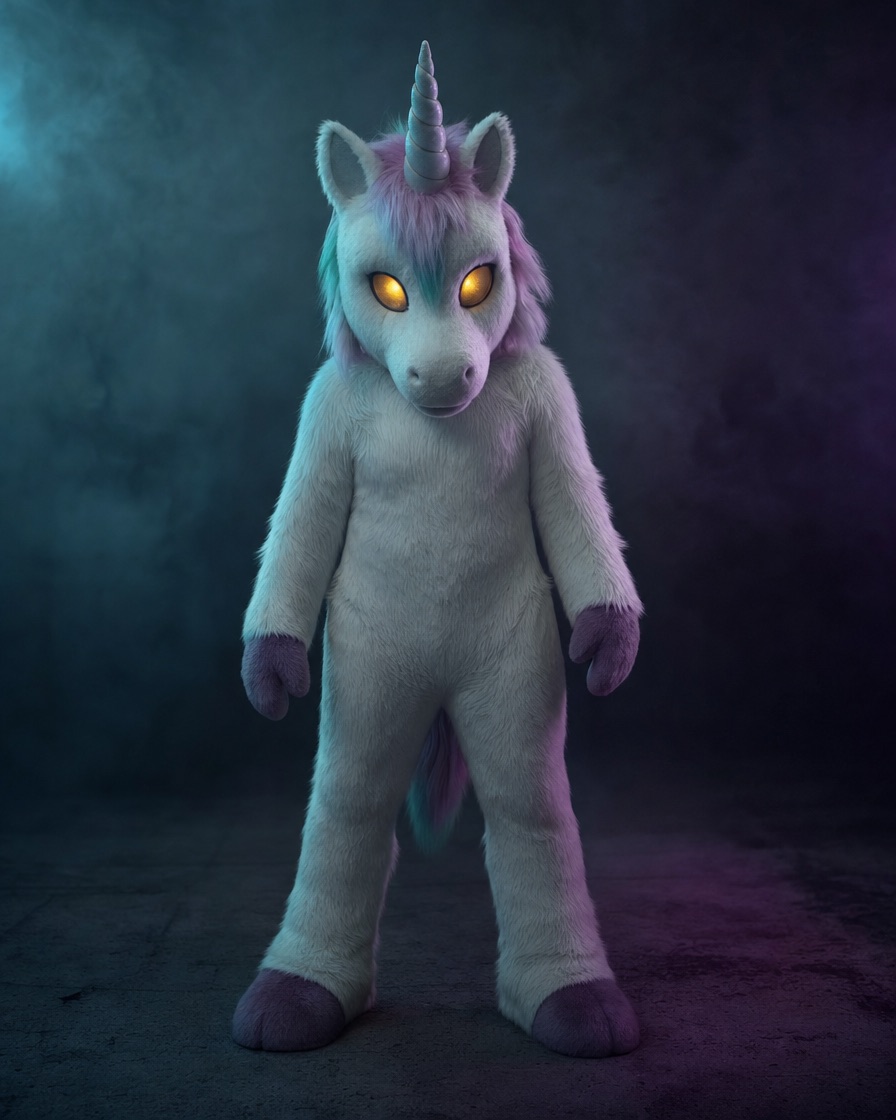
- Haunted unicorn mascot energy, built as an original plush costume
- Long violet braids with silver accessories
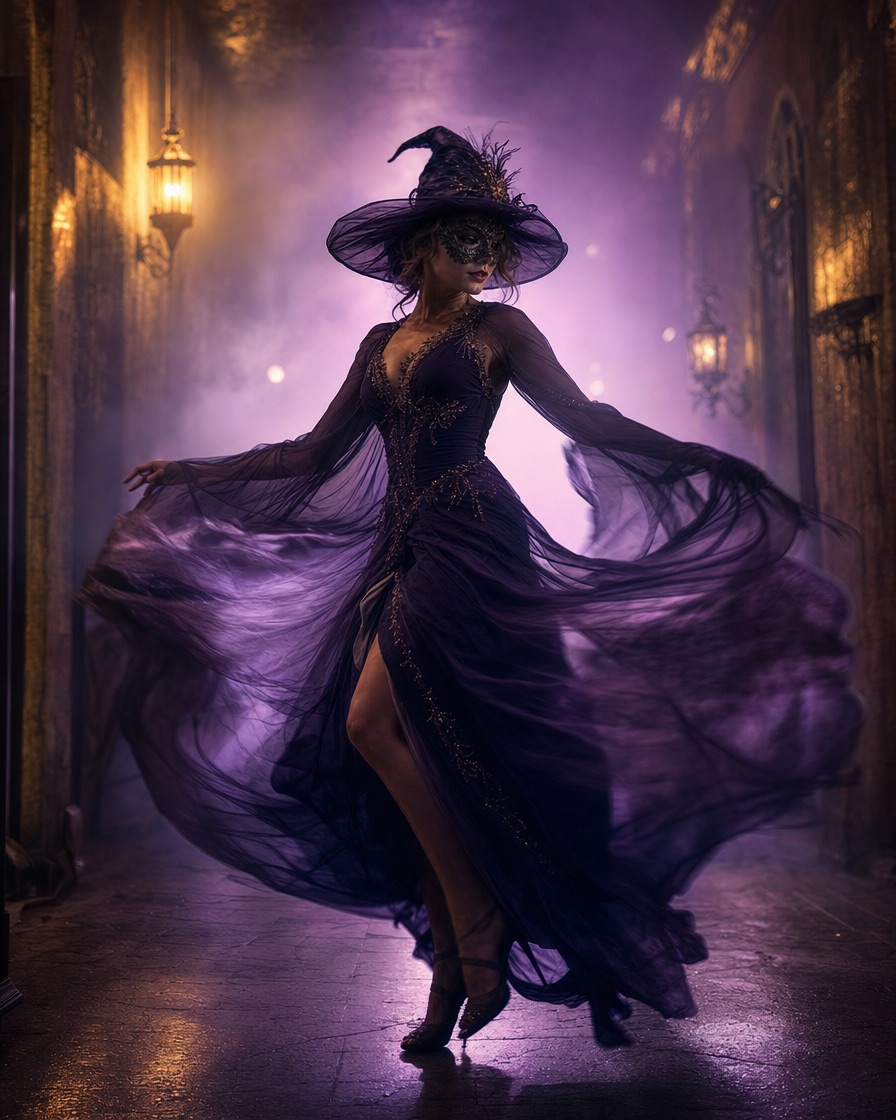
- A celestial princess gown with star embroidery
- A believable wearable robot costume with visible human face
- Gothic velvet, lace and moonlit garden scenes
How costume direction actually works
In image mode, the photo is the strongest reference. The model tries to preserve the person while the direction field describes the costume, atmosphere and any details you want to keep. Short, specific directions work better than long lists of adjectives.
In text mode, there is no photo to preserve, so you can be more descriptive. Name the costume, the setting, the lighting and one camera move. Our prompt library gives you a tested starting point for each look.
- Say what to keep: face, glasses, hair colour, body proportions
- Say what to change: outfit, background, lighting, mood
- Name one camera move: push in, slow pan or static frame
- Avoid asking for exact celebrity or copyrighted character likeness
Photo tips that improve the result
Use a recent, well-lit photo where the face is clear and unobstructed. A plain background helps the model separate the person from the scene. Avoid heavy beauty filters, extreme angles and group photos when you only want one performer.
The upload accepts JPG, PNG and WebP up to 10 MB. Every person in the photo must be an adult with permission to use the image. The site screens images and prompts before generation and screens the output before delivery.
- Face fills a reasonable part of the frame
- Even light, no strong coloured shadows across the face
- Sharp focus, no motion blur
- One consenting adult per generation
Publishing without losing the account
The generated file is silent. Add music from the platform's licensed library, or use audio you own. Do not add the viral original track unless you have the rights for your account and region.
TikTok, Instagram and YouTube all ask creators to label realistic AI-generated content. Use the platform's AI label and keep a short caption that explains the video is AI-generated. It protects trust and takes two taps.
- Add licensed audio in TikTok, Reels or Shorts, not from an unlicensed download
- Use the platform's AI-generated content label
- Keep the original MP4 as your master file
- Do not present a fictional person as a real client or testimonial
What it costs and what the free preview includes
A new account can create one free watermarked preview. It is a real generation, not a stock video: you can watch the result before paying. The full 720p MP4 is unlocked with a paid pack or plan.
One-time packs start at $9.90 for one video, $19.90 for three and $29.90 for five. A monthly plan is $29.90 for ten videos per billing month. One-time credits do not expire; monthly allowances reset each cycle. The pricing page is the source of truth.
- 50 internal credits = one default video
- Failed generations return their reserved credits
- One generation runs per account at a time
- No subscription is required to buy a one-time pack