What people mean by an AI Halloween costume generator
Most searches for an AI Halloween costume generator are looking for one of three things: a still image of themselves in a costume, a short video that shows the costume in motion, or a list of costume ideas they can copy. Those are three different products, and confusing them is why so many visitors land on a page, upload a photo, and leave disappointed.
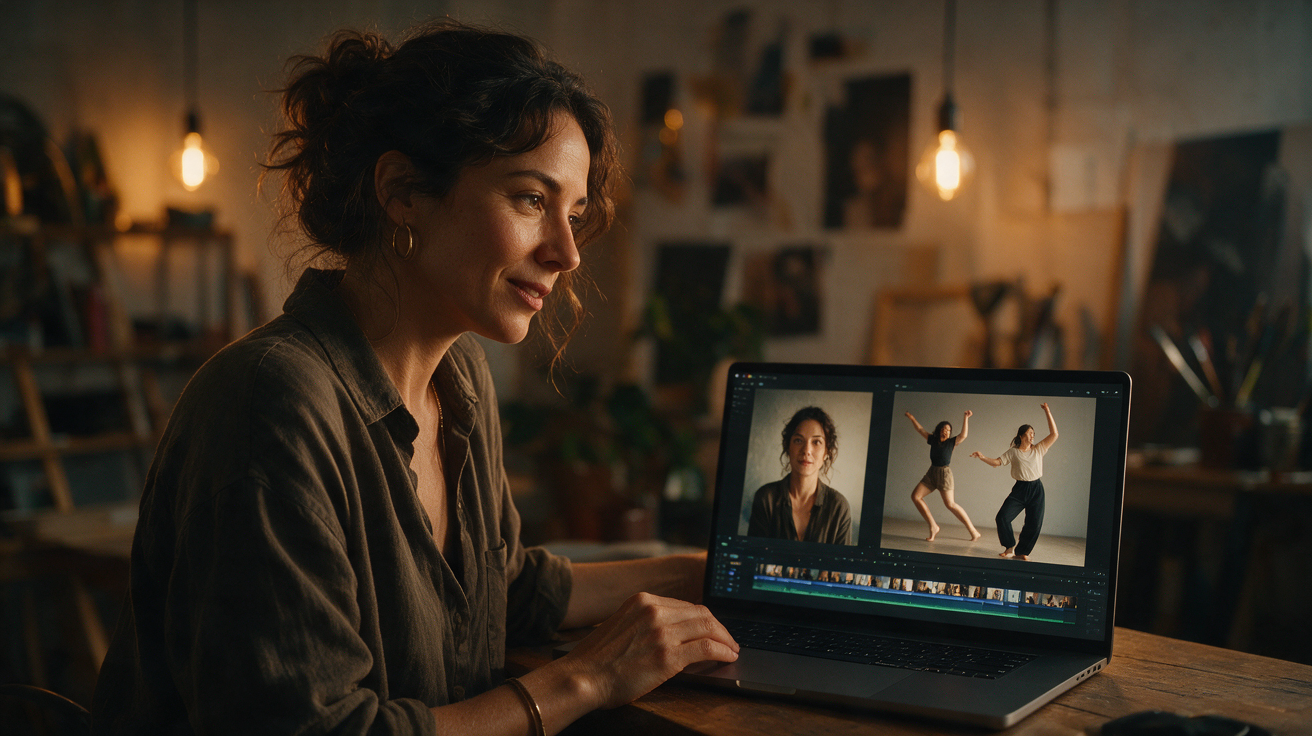
Toc Toc AI is the second kind. It takes one photo of a consenting adult, or a text description, and produces a roughly ten-second vertical dance video. The photo guides the face and appearance; a licensed hallway dance clip guides the movement. The costume and the scene come from a short direction you write.
That makes it useful for a costume reveal, a character concept, a mood clip for TikTok or Reels, or a quick test before you buy a real outfit. It is not a Photoshop-style outfit swap that returns a still image, and it does not promise an exact replica of a retail costume.
If you want a still image, use an image model such as GPT Image 2 in ChatGPT or Gemini; the site's free photo editor grades a photo but does not add a costume. If you want motion, keep reading: the workflow below is the one that produces the best results.
Why a video is often the better costume test
A still costume photo is easy to scroll past. A ten-second clip gives the eye more to hold onto: fabric moves, hair moves, the camera pushes in, and the scene changes from a flat backdrop to a place. That is why costume reveal videos perform well every October, and why a video generator is a better fit for social search than a static image tool.
There is also a practical reason. A video shows how a silhouette behaves in motion. A long braid, a wide sleeve, a heavy cape or a robot shoulder piece can look good in a photo and awkward when the body moves. A short clip exposes those problems before you spend money on the real costume.
Finally, a video is a better test of whether the AI can preserve the person. If the face drifts in a still image, it is annoying. If it drifts across ten seconds of motion, it is obvious. The clip is a stricter quality check.
How the generator actually works
The studio has two modes. In image mode, you upload one JPG, PNG or WebP photo up to 10 MB. The photo becomes the appearance reference. You add a direction that describes what to keep, what to change, where the scene is and how the light looks.
In text mode, there is no photo. You describe an adult performer, a costume, a location, a light palette and one camera move. The model builds the performer from the description. Text mode is faster to test and avoids photo-rights questions, but it cannot preserve your own face.
Both modes produce the same output: a silent 720p MP4 in a 9:16 vertical frame, around ten seconds long. The file has no audio, which is deliberate. You add music inside TikTok, Reels or Shorts so the licence matches your account and region.
The first watermarked preview is free. It is a real generation, not a stock sample. You can watch the face, the costume and the motion before you decide whether to unlock the full file. A one-time pack starts at $9.90 for one video; three are $19.90 and five are $29.90. A monthly plan is $29.90 for ten videos per billing month. Failed generations return their reserved credits.
The four-part costume direction
The direction field is where most results are won or lost. A long list of adjectives gives the model too many competing instructions. A short, ordered brief works better.
Use four parts:
- Keep. Name the things that must not change: face, glasses, natural hair colour, body proportions, the original outfit if it matters.
- Change. Describe the costume with two or three concrete nouns: black velvet, lace sleeves, silver chain, plush fur, metallic panels.
- Scene. Pick one location: a moonlit garden, a foggy hallway, a neon studio, a candlelit library.
- Light. Pick one palette and one source: warm lantern light, cool moonlight, hard flash, soft window light.
Here is a complete example:
Keep my face, glasses and natural hair colour. Dress me in an original black-and-purple velvet gothic costume with lace sleeves and silver details. Place me in a moonlit garden with soft fog. Use warm lantern light and a realistic editorial look.
That is enough. If the result is close but the costume is too plain, add one detail. If the scene is wrong, change the location. Do not rewrite the whole paragraph after every attempt.
Six costume directions that work in motion
These are original interpretations, not copies of film or game costumes. Each one gives the model a clear silhouette and a scene.
Midnight braids
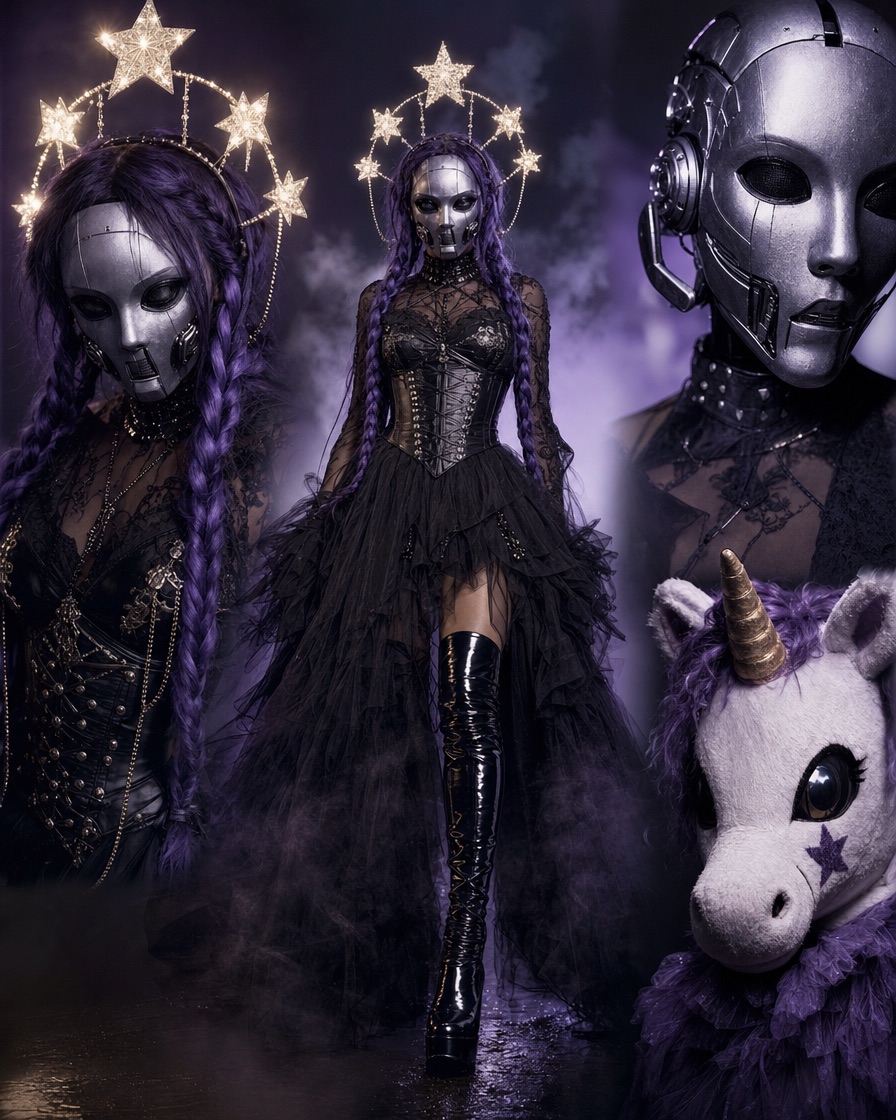
Long violet braids, delicate silver hair jewellery, black velvet, a moonlit Victorian garden. The braids catch light and move with the head, which makes the clip feel alive without a complex action. Start with the Midnight Braids look.
Cosmic princess
A midnight-blue gown with silver embroidery, softly glowing star patterns and a small moon crown. Place the performer in a moonlit observatory. The dark background makes the glow readable on a phone. See the Cosmic Princess look.
Wearable robot
Metallic armour panels over a real body, small blue LED accents, articulated shoulders, the human face clearly visible. Ask for a costume, not a robot head. The robot costume page has the full prompt.
Haunted unicorn mascot
Plush white fur, a spiral horn, glowing amber eyes and a foggy room. The appeal is the contrast between cute and slightly wrong. Keep the design original; do not ask for a specific film character. The haunted unicorn page explains the approach.
Victorian occult
A high lace collar, silver rings, a candlelit library and a slow hand gesture. This look works because the costume is built from small details rather than a giant prop.
Skeleton glam
A black fitted costume, silver skeleton makeup and a single smoky spotlight. High contrast and a simple stage make the clip readable even at small sizes.
The photo checklist
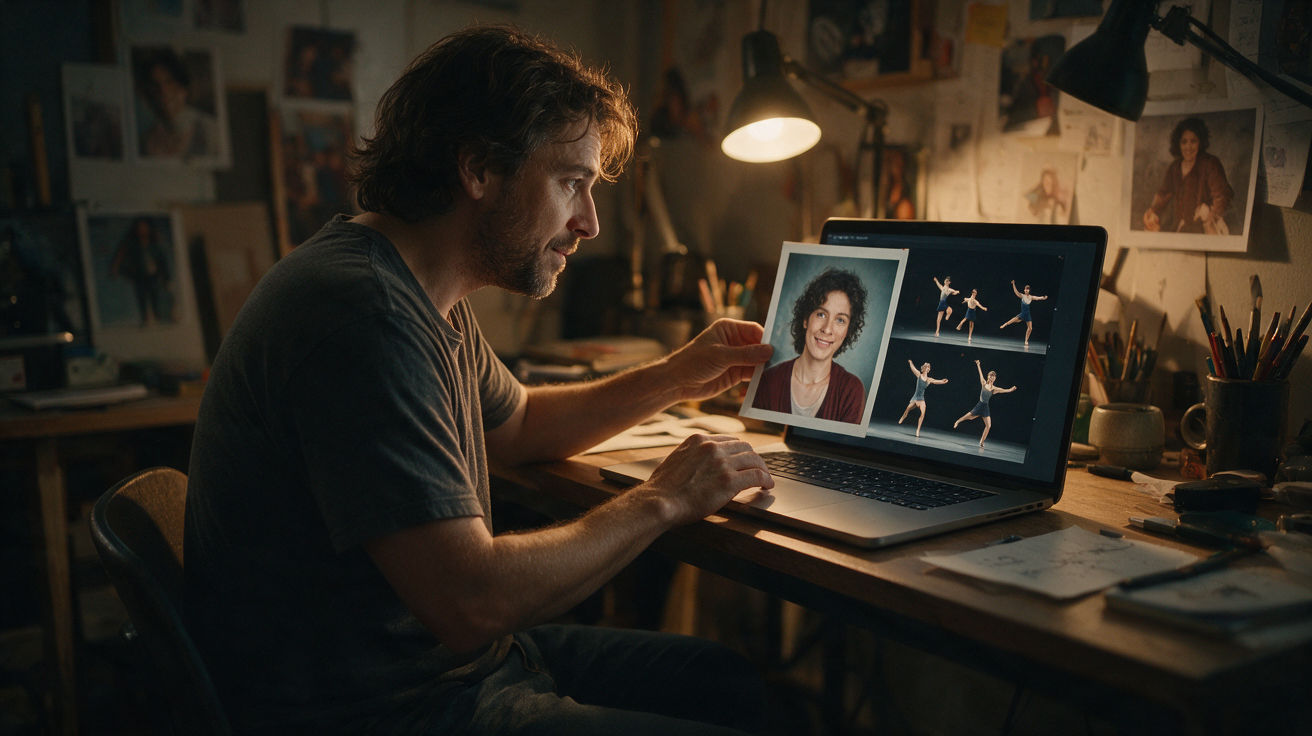
The photo is half the result. Use a recent image where the face is clear and evenly lit. A plain background helps the model separate the person from the scene. Avoid heavy beauty filters, extreme angles and group photos.
- Face fills a useful part of the frame.
- Eyes are visible and the expression is neutral or natural.
- No strong coloured light across the face.
- Sharp focus, no motion blur.
- One consenting adult per generation.
The upload accepts JPG, PNG and WebP up to 10 MB. The site screens the image and the prompt before generation and screens the output before delivery. If a generation fails, the reserved credits are returned.
Preview first, pay for the file you keep
The free watermarked preview is the most important part of the workflow. It lets you judge the costume and the face before spending. If the preview is close but not right, change one line of the direction and try again while the preview is available.
When the preview works, unlock the full 720p MP4. You do not need to regenerate the video; the paid unlock applies to the same result. One-time credits never expire, so a five-video pack can cover Halloween, Black Friday and Christmas content.
What the tool does not do
It does not support pets, children or a two-person template. It does not return a still image. It does not guarantee an exact costume match or an exact likeness. It does not include audio. And it does not accept requests for a real celebrity's face or a copyrighted character costume.
Being clear about those limits is better than letting a visitor upload a group photo and wait ten minutes for a result that cannot work. If your idea needs two people, the couple costume guide explains the workarounds. If it needs a pet, the pet costume guide covers safer options.
A practical 20-minute workflow
- Pick one look from the Halloween hub.
- Choose a photo with a clear face and a simple background.
- Write a four-part direction: keep, change, scene, light.
- Generate the free preview.
- Change one variable if needed.
- Unlock the MP4, add licensed audio and label the post as AI-generated.
That is the whole loop. The tool is fast enough to test several ideas, but the quality comes from the direction, not from generating more variations of the same prompt.
Frequently asked questions
Is there a free AI Halloween costume generator?
Yes. New accounts can create one free watermarked preview. The full 720p MP4 requires a paid pack or plan.
Will it keep my face?
Image mode uses your photo as the appearance reference and aims to keep the person recognisable. AI generation can still change details, especially in motion. A clear, front-facing photo improves the result.
Can I generate a costume for two people or a pet?
The current template is built for one consenting adult per generation. It does not support pets, children or a two-person template.
How much does a costume video cost?
One-time packs are $9.90 for one video, $19.90 for three and $29.90 for five. The monthly plan is $29.90 for ten videos. Prices are in USD; the pricing page is the source of truth.
Can I sell the video?
You can use the generated file subject to the terms and the rights you hold in the source photo and audio. Do not imply that a real person or brand endorses your product.
Ready to test a look? Open the AI Halloween costume generator, upload one photo and write a four-part direction. The first preview is on us.
Try the tool from this guide
One free watermarked preview per account. Full 720p MP4 after purchase. Failed generations return credits.
Make your Toc Toc AI dance video
Your photo guides the appearance. The source clip guides the hallway movement.
JPG, PNG or WebP · up to 10 MB
Choose a well-lit photo of one consenting adult. JPG, PNG or WebP; up to 10 MB.
Extra direction (optional)
Only selected results appear in our gallery after review. Your input remains private.
$9.90/ 1 video
50 credits · 10 secondsOne-time packs and subscriptions are available. Failed jobs return their credits.
Your videos
Upload a photo or describe a scene, then create your video.
Toc Toc AI
Toc Toc AI editorial team · Source and publishing references