Toc Toc AI Prompt Guide: Better Photo Dance Results
Use Toc Toc AI prompt tips for one adult photo and the fixed dance reference. Learn what text can influence, what stays fixed, and how to avoid poor results.
· Toc Toc AI editorial team
Make your Toc Toc AI dance video
Your photo guides the appearance. The source clip guides the hallway movement.
JPG, PNG or WebP · up to 10 MB
Choose a well-lit photo of one consenting adult. JPG, PNG or WebP; up to 10 MB.
Extra direction (optional)
Only selected results appear in our gallery after review. Your uploaded photo remains private.
Three-day visit reward
Sign in and open the site on three consecutive UTC dates. Days one and two show progress only. Day three grants 50 credits. You must complete a first purchase before creating any personal video; the reward can be used afterward. Missing a day restarts progress. First-time visitors from ChatGPT receive no reward.
$9.90/ 1 video
50 credits · 10 secondsOne-time packs and subscriptions are available. Failed jobs return their credits.
Your videos
Upload a photo, review the source dance, and start when you are ready.
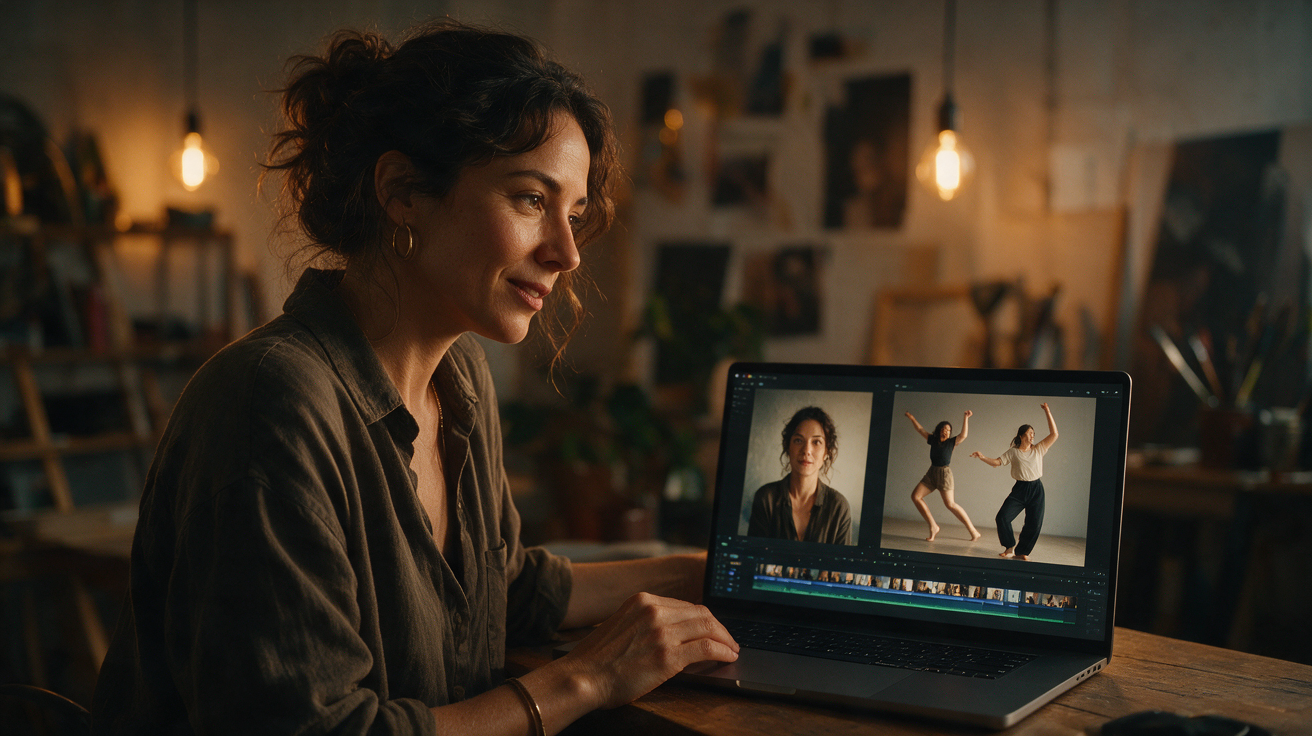
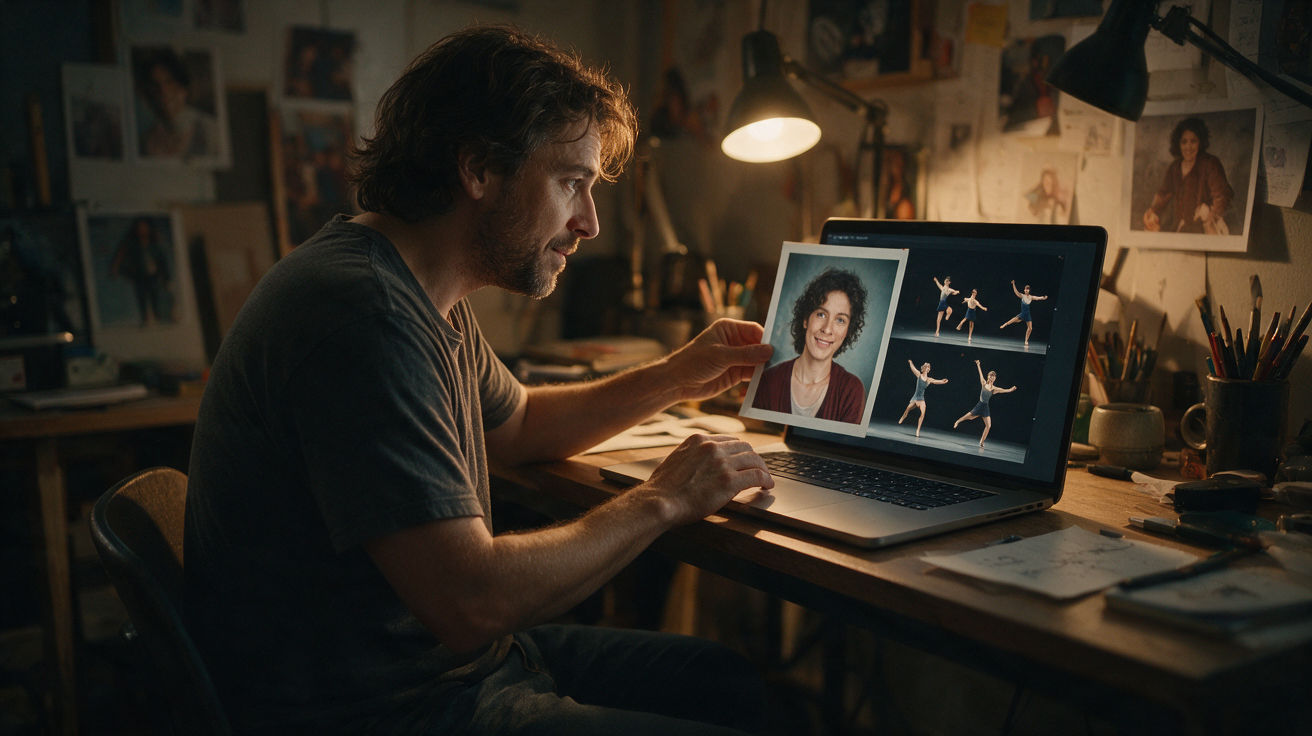
This guide aims to help you craft effective prompts to optimize your video generation experience with Toc Toc AI. By understanding the platform’s current capabilities and limitations, and by learning how to write clear, focused prompts, you can transform a single consenting adult photo into a stylized, approximately 10-second vertical 720p silent MP4 dance video using the Seedance 2.0 standard model.
Before creating your own video, buy a plan first. Eligible three-day reward credits can pay after that first purchase.
Understanding Toc Toc AI’s Core Mechanics: Input, Reference, and Output
Toc Toc AI accepts one photo per generation. The accepted formats are JPG, PNG, or WebP, with a maximum file size of 10 MB. The photo must depict a consenting adult. This image serves as the subject for the video.
The AI animates the subject using a licensed stock dance reference—a fixed hallway dance lasting about 9.4 seconds—and the Kie AI Seedance 2.0 model (model ID: bytedance/seedance-2). The output is a silent, vertical MP4 video at 720p resolution, approximately 10 seconds long.
Processing time varies depending on server load and queue length; in tests, generation took about 10 minutes. The platform does not send email notifications upon completion; users must check the job status on the site. Each generation costs 50 internal credits, with a refund issued if the generation fails. The platform screens all inputs and outputs for NSFW content.
Currently, Toc Toc AI does not support multiple photos per generation, custom audio or video uploads, alternative models, multiple dancers, different video formats or resolutions, trimming or muting editors, or automatic notifications. After generation, users can view a custom preview—a 320px-wide version of the video without a watermark—but this preview is not free or customizable before generation. The paid original video is private and downloadable.
The Role of Prompts in Toc Toc AI
While the dance choreography is fixed, your prompt guides how the AI interprets your photo and stylizes the video. The prompt influences details such as clothing appearance, facial expression nuances, mood, and artistic style. A well-crafted prompt helps the AI produce a video that better matches your creative vision.
Because the AI uses a single fixed dance reference, you cannot request different dance moves or choreography. Also, the AI’s rendering of your subject is an interpretation, not a photographic replica, so exact likeness or choreography replication is not guaranteed.
Key Prompt Elements and Their Effects
Here are the main prompt components you can use to guide the AI’s rendering:
1. Describing Attire and Style
Be specific about what the subject is wearing to help the AI enhance or infer clothing details beyond the photo.
- Effective example: “A person in a shimmering disco jumpsuit, wide-leg pants, platform boots, and a sequined headband.”
- Less effective: “Dancing person.” (Too vague; results tend to be generic.)
Include texture, color, fit, and accessories like hats, glasses, or jewelry to enrich the visual detail.
2. Specifying Demeanor and Expression
Though the dance is fixed, the AI can subtly adjust facial expressions and body language to add personality.
- Effective example: “A person with a joyful, energetic expression, a wide smile, and eyes sparkling with excitement.”
- Less effective: “Happy person.” (Too broad.)
Use adjectives like “confident,” “playful,” “sassy,” “mysterious,” or “calm” to guide subtle expression changes.
3. Setting the Overall Mood or Theme
Suggesting a mood or theme helps the AI choose consistent stylistic elements throughout the video.
- Effective example: “A retro 80s dance vibe, neon glow, vibrant colors, energetic and dynamic.”
- Less effective: “Cool video.” (Subjective and unhelpful.)
Themes can include “futuristic,” “vintage,” “glamorous,” “street style,” or “fantasy.”
4. Incorporating Artistic Styles or Mediums
You can direct the AI to render the video in a particular artistic style to achieve unique aesthetics.
- Effective example: “Rendered in the style of a comic book illustration, bold lines, pop art colors, halftone dots.”
- Less effective: “Artistic.” (Too generic.)
Consider painting styles (“impressionistic oil painting,” “watercolor sketch”), photography styles (“noir film still,” “cyberpunk aesthetic”), or graphic styles (“pixel art,” “vector illustration”).
5. Suggesting Background Atmosphere
While the video uses a fixed hallway dance reference, your prompt can imply an atmosphere or mood for the environment.
- Effective example: “Against a backdrop of shimmering city lights, blurred neon reflections, a sense of urban nightlife.”
- Less effective: “In a city.” (The AI will not generate a full city scene but can suggest ambience.)
Focus on adjectives describing light, color, and ambience, such as “soft glow,” “deep shadows,” or “vibrant hues.”
6. Avoiding Common Prompt Pitfalls
- Overloading prompts: Too many conflicting or excessive instructions can confuse the AI.
- Using vague terms: Words like “cool,” “nice,” or “good” provide little useful guidance.
- Requesting specific dance moves: The choreography is fixed; you cannot ask for “waving arms” or “pirouettes.”
- Expecting exact likeness: The AI interprets your photo; it does not produce a frame-by-frame photographic match.
- Attempting NSFW content: The platform’s filters block such attempts.
Prompt Effectiveness Comparison Table
| Prompt Type | Description | Impact on Output |
|---|---|---|
| Vague & Generic | “Dancing person, happy.” | Produces a generic video with minimal clothing detail, neutral expression, and standard style. Functional but lacks distinct character. |
| Specific & Focused | “A person in a shimmering disco jumpsuit, wide-leg pants, platform boots, and a sequined headband, with a joyful, energetic expression, a wide smile, and eyes sparkling with excitement, rendered in a retro 80s dance vibe, neon glow, vibrant colors, energetic and dynamic, against a backdrop of blurred neon reflections.” | Incorporates detailed clothing, nuanced expression, and a consistent stylistic theme, resulting in a personalized and visually appealing video. |
| Conflicting | “A person in medieval knight’s armor, but also a futuristic cyberpunk outfit, dancing in a serene forest, but also a bustling city.” | AI struggles to reconcile contradictory instructions, potentially producing incoherent or confusing visuals where elements clash or are poorly integrated. |
Worked Example: Crafting a Prompt for a Hypothetical Subject “Elara”
Imagine a photo of a fictional consenting adult named Elara. She has long, dark, wavy hair and a slight, enigmatic smile.
Goal: Create a video of Elara dancing with a mysterious, elegant, and slightly futuristic vibe, wearing sleek attire.
Step-by-step prompt construction:
- Subject’s core appearance: “A woman with long, dark, wavy hair.”
- Attire description: “Wearing a sleek, form-fitting, iridescent silver catsuit with subtle glowing accents.”
- Demeanor/expression: “Her expression is enigmatic, a subtle, confident smirk plays on her lips, eyes conveying a knowing gaze.”
- Overall theme/vibe: “The overall vibe is futuristic elegance, with a touch of cyberpunk allure.”
- Artistic style/lighting: “Rendered with soft, diffused neon lighting, emphasizing contours, in a high-tech, glossy aesthetic.”
- Review: Ensure the prompt flows without contradictions or redundancies.
Final prompt:
“A woman with long, dark, wavy hair, wearing a sleek, form-fitting, iridescent silver catsuit with subtle glowing accents. Her expression is enigmatic, a subtle, confident smirk plays on her lips, eyes conveying a knowing gaze. The overall vibe is futuristic elegance, with a touch of cyberpunk allure, rendered with soft, diffused neon lighting, emphasizing contours, in a high-tech, glossy aesthetic.”
This prompt is specific and evocative, providing clear guidance without being overly restrictive.
Credit System and Usage
Understanding the credit system is essential for uninterrupted use of Toc Toc AI.
- No credits are granted upon registration.
- Users arriving via ChatGPT do not receive free credits and must purchase credits immediately.
- Other authenticated users receive 50 credits only after opening the site on three consecutive UTC calendar days. Missing a day resets the streak; this is a one-time offer per account. Client-side clocks do not affect this process.
- Each video generation costs 50 internal credits. Refunds are issued if generation fails.
Credit Purchase Options
- One-time Packs (credits never expire):
- $9.90 for 1 video credit
- $19.90 for 3 video credits
- $29.90 for 5 video credits
- Monthly Subscription ($29.90/month):
- 10 video credits per month
- Credits expire at the end of each billing month
- Subscription renews automatically until canceled
- Yearly Subscription:
- Currently under financial review; for the latest information, see the /pricing page.
Unused credits from one-time packs do not expire. Purchased credits are independent of the login streak system.
Frequently Asked Questions (FAQ)
What is the ideal photo for Toc Toc AI?
A clear, well-lit, front-facing photo of a single consenting adult works best. Avoid busy backgrounds, hats or accessories that obscure the face, and extreme angles. For more tips, see our guide on /blog/best-photo-for-toc-toc-ai.
Can I add my own music to the generated video?
No. Generated videos are silent MP4s. You must add music using external video editing software after downloading your video. Toc Toc AI does not provide built-in music or music rights.
How long does video generation take?
Processing times vary based on server load and queue length. In tests, generation took about 10 minutes. You must check the site to see when your video is ready; there are no email notifications.
What if my video doesn’t look exactly like my photo?
The AI uses your photo as a reference but produces an interpretation, not a photographic reproduction. The dance choreography is fixed, and the AI applies stylistic elements based on your prompt. Exact likeness or choreography replication is not guaranteed.
Are there content restrictions?
Yes. Toc Toc AI enforces robust NSFW filters on text prompts, input photos, and generated videos. Attempts to generate inappropriate content will be blocked.
Tips for Maximizing Your Toc Toc AI Experience
- Experiment with prompts: Different photos may respond better to different prompt styles. Try varying your descriptions to see what works best.
- Use high-quality photos: Blurry or low-resolution images may reduce output quality regardless of prompt quality.
- Understand the fixed dance reference: The Seedance 2.0 model animates a specific hallway dance. Your prompt influences style and expression, not choreography.
- Stay informed: Visit our blog at /blog/ for updates, tips, and comparisons, such as /blog/toc-toc-ai-vs-capcut-template.
By carefully crafting your prompts and understanding Toc Toc AI’s current features and constraints, you can create engaging, personalized dance videos that reflect your creative vision. Happy generating!