Toc Toc AI vs CapCut Templates: What Each Tool Makes
Compare Toc Toc AI video generation with CapCut templates by input, output, editing control, timing, cost, and rights. Choose the route that fits your goal.
· Toc Toc AI editorial team
Make your Toc Toc AI dance video
Your photo guides the appearance. The source clip guides the hallway movement.
JPG, PNG or WebP · up to 10 MB
Choose a well-lit photo of one consenting adult. JPG, PNG or WebP; up to 10 MB.
Extra direction (optional)
Only selected results appear in our gallery after review. Your uploaded photo remains private.
Three-day visit reward
Sign in and open the site on three consecutive UTC dates. Days one and two show progress only. Day three grants 50 credits. You must complete a first purchase before creating any personal video; the reward can be used afterward. Missing a day restarts progress. First-time visitors from ChatGPT receive no reward.
$9.90/ 1 video
50 credits · 10 secondsOne-time packs and subscriptions are available. Failed jobs return their credits.
Your videos
Upload a photo, review the source dance, and start when you are ready.
Toc Toc AI vs CapCut Template: Generated Motion Versus Editing Template
Before creating your own video, buy a plan first. Eligible three-day reward credits can pay after that first purchase.
When creating engaging short videos featuring lively motion, content creators often consider tools that either generate motion using artificial intelligence or apply pre-designed editing templates. Two such options are Toc Toc AI and CapCut Templates. While both aim to animate photos or videos, their approaches and capabilities differ significantly. This guide clarifies these differences, helping creators choose the best tool for their needs.
Understanding the Core Difference: Generated Motion vs Editing Template
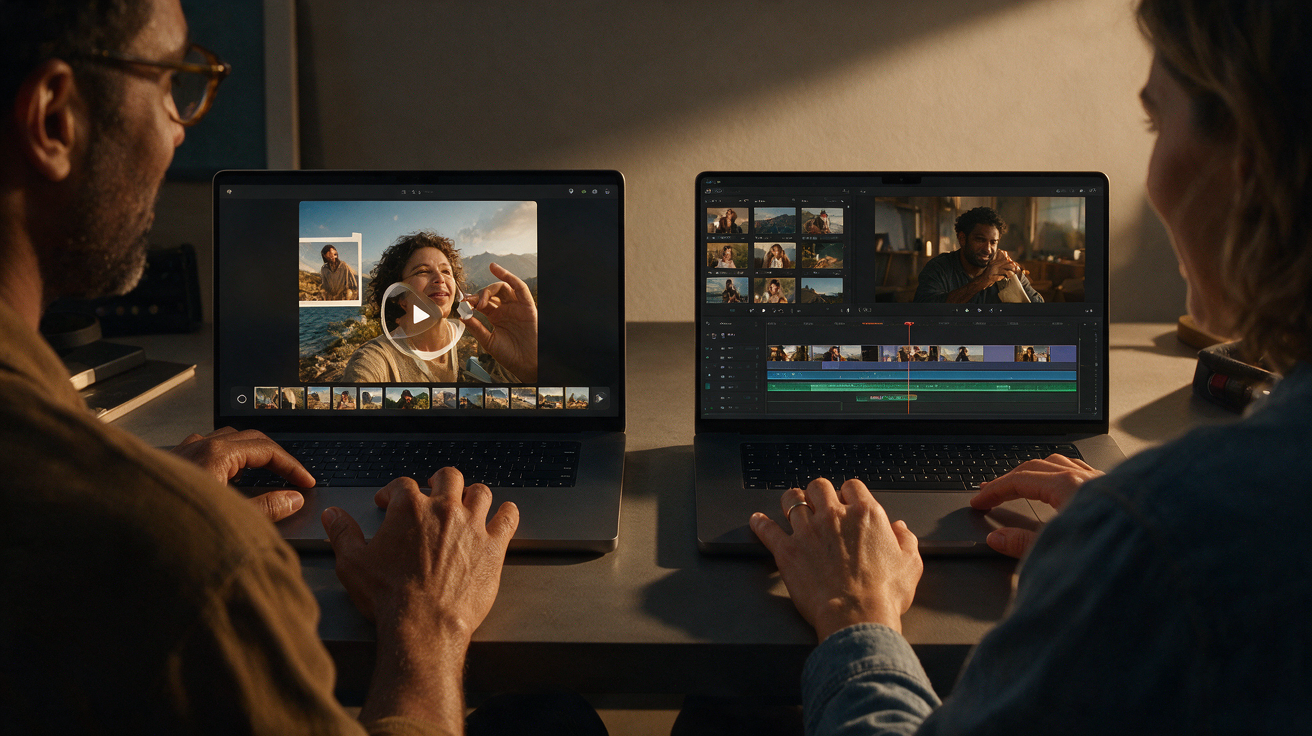
The fundamental distinction between Toc Toc AI and CapCut Templates lies in how motion is produced and applied.
-
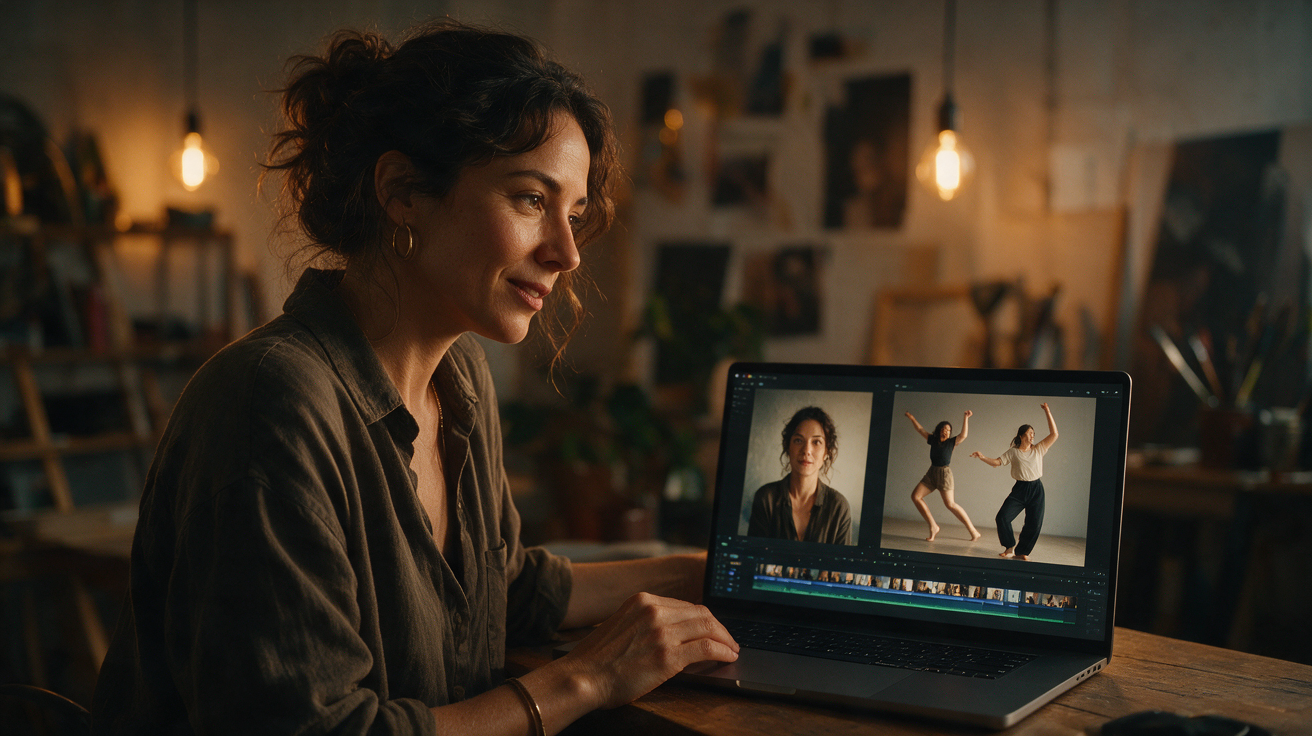
Toc Toc AI uses AI-driven generation to animate a single still photo of a consenting adult. It produces a custom approximately 10-second vertical video (720p, silent MP4) of dance moves based on a licensed hallway dance reference clip. The animation is synthesized from scratch using the Seedance 2.0 AI model, resulting in unique motion tailored to the input photo without requiring any user video footage or manual editing.
-
CapCut Templates are pre-designed video editing presets that include fixed sequences of transitions, effects, and motion paths. Users insert their own video clips or photos into these templates, which then automatically apply the preset motion and effects. The motion is fixed and uniform across users, with limited customization beyond swapping media or adjusting timing.
This difference impacts workflow, creative control, output uniqueness, and resource requirements.
How Toc Toc AI Works: Motion Generation from a Single Photo
Toc Toc AI’s process begins with uploading a single photo of a consenting adult. The accepted formats are JPG, PNG, or WebP, with a maximum file size of 10 MB. The AI animates the person in the photo to perform a dance based on a licensed hallway dance clip lasting approximately 9.4 seconds. This is achieved using the Seedance 2.0 model (model ID: bytedance/seedance-2).
The system synthesizes body motion, pose transitions, and smooth movement to create a silent vertical video roughly 10 seconds long at 720p resolution in MP4 format. The entire rendering process typically takes about 10 minutes, though queue times can vary depending on server load and demand. Users can check the job status on the site but do not receive email notifications upon completion.
Key Features of Toc Toc AI Motion Generation
- Single image input: Only one photo is needed; no video footage or multiple images are required.
- Standardized dance reference: Motion is based on a specific licensed hallway dance clip, ensuring consistent choreography across outputs.
- Silent output: The generated video contains no audio track; users must add music separately using other tools.
- Credit system: Each video generation consumes 50 internal credits. Credits can be purchased or earned through a sign-in streak.
- NSFW filtering: The platform screens uploaded photos, input text, and generated videos to prevent inappropriate content.
- Output limitations: The AI may fail to generate a video in some cases, and there is no guarantee of perfect likeness or choreography accuracy.
- Output format: The final video is a vertical 720p MP4, approximately 10 seconds long.
- Preview: After generation, a lower-resolution (320px) preview without a watermark is available. This is not a free custom preview but a post-generation sample.
- Cost: Each generation costs 50 credits, refundable if the generation fails.
Currently, Toc Toc AI does not support uploading custom audio or video, multiple dancers, alternative models, different output formats or resolutions, trimming, muting, or email notifications.
How CapCut Templates Work: Pre-Designed Motion Sequences
CapCut Templates are video editing presets that contain fixed sequences of transitions, effects, text animations, and motion paths arranged on a timeline. Users upload their own videos or photos, which the template animates according to the preset choreography.
Key Features of CapCut Templates
- User media input: Requires at least one video or photo clip.
- Preset motion: Motion and effects are baked into the template and cannot be fundamentally altered.
- Music and effects included: Many templates come with licensed music and synchronized effects.
- Ease of use: Drag-and-drop simplicity with no need for animation skills.
- Customization limits: Users can change media and text but cannot create new motion sequences.
- Output: Variable length videos, often including audio.
CapCut templates are ideal for creators who want polished, trendy video effects quickly but do not require unique motion generation.
Comparison Table: Toc Toc AI vs CapCut Template
| Feature | Toc Toc AI | CapCut Template | Notes |
|---|---|---|---|
| Input | Single still photo (JPG/PNG/WebP, max 10MB) | User video/photo clips | Toc Toc AI requires just one photo |
| Motion Generation | AI-generated dance motion | Pre-designed template motion | Toc Toc AI creates unique motion |
| Output Format | ~10-second vertical silent MP4 (720p) | Variable length, often with audio | CapCut templates often include music |
| Customization | Limited to photo input | Media and text swap only | Toc Toc AI motion fixed by model |
| Processing Time | Approximately 10 minutes per video | Instant or seconds | CapCut is faster, no rendering queue |
| Credits / Cost | 50 credits per generation | Free with app, or subscription | Toc Toc AI charges credits per video |
| NSFW Filtering | Yes | Varies by user control | Toc Toc AI applies strict filters |
| Audio | Silent output; no built-in audio | Often includes licensed music | Toc Toc AI requires separate audio addition |
| Multiple dancers | Not supported | Depends on user media | Toc Toc AI supports only one dancer |
| Output customization | No trimming, muting, or format options | Limited to template settings | Toc Toc AI output fixed |
| Notifications | No email notifications; check site | Varies by app | Toc Toc AI requires manual status check |
Practical Example: Creating a Dance Video with Toc Toc AI (Hypothetical)
To illustrate the process, consider a fictional example:
Scenario: Sarah, a social media influencer, wants to create a short dance clip from a single photo for her TikTok channel. She has a clear, well-lit JPG photo of herself but no video footage of dancing.
Step 1: Prepare the Photo
Sarah selects a high-quality JPG photo of herself, ensuring her full body is visible and the file size is under 10 MB.
Step 2: Upload to Toc Toc AI
She visits toctocai.pro and uploads the photo. As a new user, she begins a 3-day consecutive sign-in streak (based on UTC calendar days) to earn 50 free credits. Missing a day resets the streak.
Step 3: Initiate Generation
After earning credits, Sarah uses 50 credits to start generating the dance video. She understands the process will take about 10 minutes due to the rendering queue.
Step 4: Download and Review Output
Once ready, Sarah downloads the 10-second vertical MP4 silent video. She reviews the animation quality and likeness. The AI-generated dance matches the licensed reference motion, and her photo animates smoothly.
Step 5: Add Music and Share
Sarah imports the silent video into her preferred video editor or directly into TikTok, adds licensed music, and posts the clip to her channel.
This example demonstrates how Toc Toc AI enables unique motion creation from a single photo without requiring video footage or manual animation skills.
When to Choose Toc Toc AI Over CapCut Templates
- You have only a single photo and no video footage.
- You want unique, AI-generated dance motion rather than preset effects.
- You prefer a quick, automated generation process without manual editing.
- You want to experiment with AI animation models like Seedance 2.0.
- You are comfortable with silent video output and adding music separately.
When to Choose CapCut Templates Over Toc Toc AI
- You have multiple video clips or photos to create a polished montage.
- You want built-in music and synchronized effects included.
- You prefer instant results with minimal wait time.
- You want to customize text and transitions within a fixed motion template.
- You seek a free or app-based video editing solution without credits or fees.
Limitations and Considerations
Both tools have limitations that users should consider:
-
Toc Toc AI: Output quality depends on photo clarity and AI model capabilities. Rendering takes about 10 minutes, and there is no guarantee of perfect likeness or choreography accuracy. The video is silent, requiring separate audio addition. The platform uses a credit system; new users must build a sign-in streak to earn free credits. No API, trimming, muting, or alternative output formats are currently supported. Notifications are not sent by email; users must check status on the site. The platform applies strict NSFW filtering.
-
CapCut Templates: Motion is fixed and not unique to the user’s media. Requires user-provided video or photo clips. Customization is limited to swapping media and editing text. Music rights are managed by template providers. The app-based platform may have regional or device restrictions.
Understanding these constraints helps set realistic expectations for your video projects.
FAQs
How long does it take to generate a video on Toc Toc AI?
Generation typically takes about 10 minutes, depending on server load and queue length. Users can check job status on the website but do not receive email notifications.
Can I use any photo for Toc Toc AI?
Photos must be of a consenting adult, in JPG, PNG, or WebP format, and under 10 MB. The platform filters out NSFW content. Clear, well-lit, full-body photos yield better results.
Does Toc Toc AI include music in the output videos?
No. The output videos are silent MP4 files. Users should add music separately using video editing software or social media platforms.
How many credits do I need for a Toc Toc AI video?
Each video generation costs 50 internal credits. New users earn 50 credits only after opening the site on three consecutive UTC calendar days. Purchased credit packs are also available.
Are CapCut Templates free?
Many CapCut templates are free within the app, though some premium templates or features may require subscriptions or in-app purchases.
Can I upload custom audio or multiple photos to Toc Toc AI?
No. Currently, Toc Toc AI accepts only one photo per generation and does not support custom audio uploads or multiple dancers.
How do I get credits on Toc Toc AI?
Authenticated users earn 50 credits after opening the site on three consecutive UTC calendar days. Missing a day resets the streak. Purchased credit packs and monthly subscription plans are also available.
Additional Resources
- Learn more about pricing and credit packs on the /pricing page.
- Explore detailed AI dance guidance in the blog post /blog/jean-phil-ai-dance-guide.
- Discover TikTok-specific use cases with Toc Toc AI in /blog/toc-toc-ai-for-tiktok.
- Return to the homepage for the latest updates and tools at /.
Conclusion
Choosing between Toc Toc AI and CapCut Templates depends on your source media, desired creative control, and workflow preferences. Toc Toc AI excels at generating unique dance motion from a single photo using AI, ideal for users without video footage who want fresh, automated animations. CapCut Templates offer quick, polished results with preset motion sequences, great for users with existing footage seeking ease and speed.
Understanding these differences enables creators to select the right tool for their video projects—whether prioritizing AI-powered originality or template-driven editing convenience.