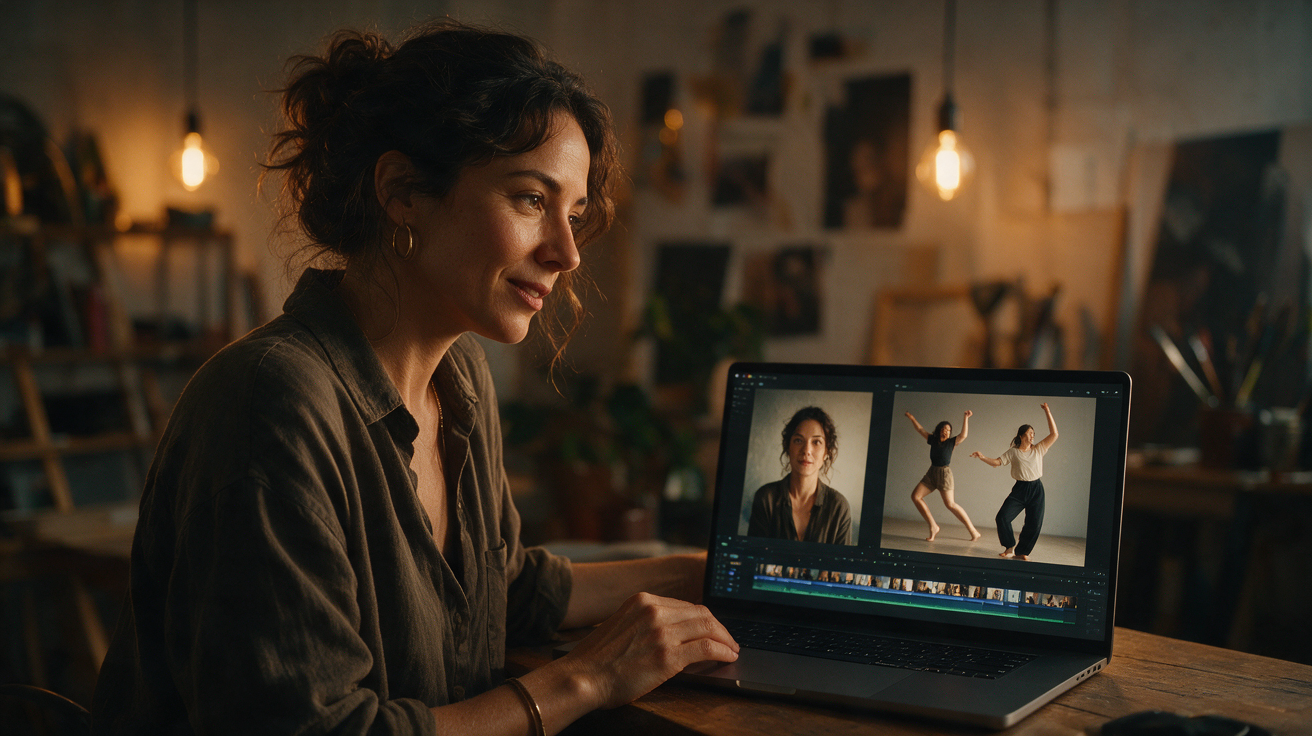
Toc Toc AI Video From Photo: Input, Output and Limits
See what one adult JPG, PNG, or WebP photo can become with Toc Toc AI: a short silent 720p dance MP4. Learn about consent, lighting, credits, and output limits.
· Toc Toc AI editorial team
Make your Toc Toc AI dance video
Your photo guides the appearance. The source clip guides the hallway movement.
JPG, PNG or WebP · up to 10 MB
Choose a well-lit photo of one consenting adult. JPG, PNG or WebP; up to 10 MB.
Extra direction (optional)
Only selected results appear in our gallery after review. Your uploaded photo remains private.
Three-day visit reward
Sign in and open the site on three consecutive UTC dates. Days one and two show progress only. Day three grants 50 credits. You must complete a first purchase before creating any personal video; the reward can be used afterward. Missing a day restarts progress. First-time visitors from ChatGPT receive no reward.
$9.90/ 1 video
50 credits · 10 secondsOne-time packs and subscriptions are available. Failed jobs return their credits.
Your videos
Upload a photo, review the source dance, and start when you are ready.
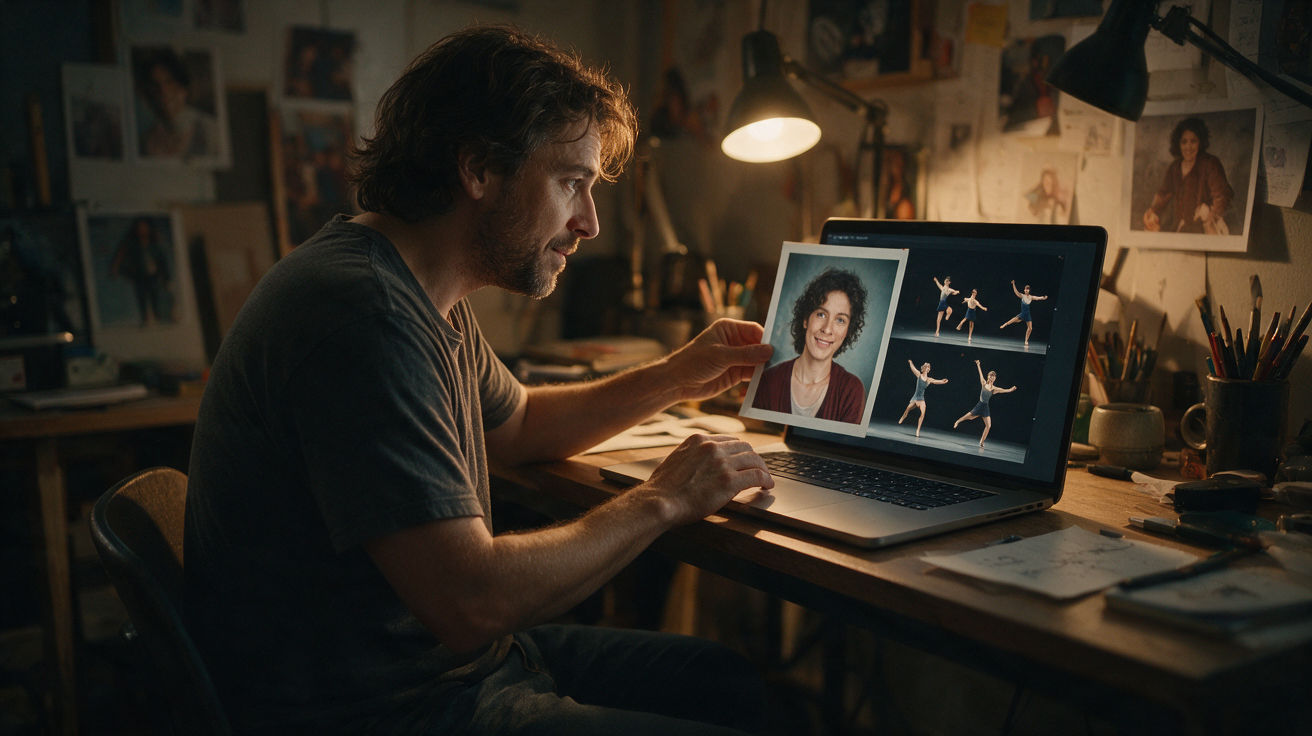
Toc Toc AI Video from One Photo offers a novel way to animate a single portrait image into a short, lively video clip. By uploading one clear photo of a consenting adult, users can generate a vertical silent video that applies a licensed dance motion to their face, creating a dynamic visual from a still image. This guide explains how to use toctocai.pro’s service effectively, clarifies its current capabilities and limitations, and provides practical advice for managing your experience.
Before creating your own video, buy a plan first. Eligible three-day reward credits can pay after that first purchase.
Understanding the Single Photo Input and Identity Representation
At the core of toctocai.pro’s AI video generation is a single portrait photo of a consenting adult. The platform accepts one image per request, in JPG, PNG, or WebP format, with a maximum file size of 10 MB. The photo should clearly show the person’s face, ideally facing forward or slightly angled, with minimal obstructions such as hats or sunglasses.
The AI uses this photo along with a licensed stock hallway dance reference and the Kie AI Seedance 2.0 model (bytedance/seedance-2) to produce a vertical 720p MP4 video approximately 10 seconds long. The dance motion is fixed and standardized; it is not the viral original choreography but a licensed alternative. The video is silent and does not include any audio track.
The AI’s task is to animate the face in the photo according to the dance motion. However, it does not guarantee an exact likeness or replication of the person’s real movements or expressions. The output is a creative representation that preserves some facial identity cues while applying the fixed dance choreography. Variations in the final video depend on photo quality, lighting, and how well the AI maps the face onto the motion.
Preparing Your Photo for Best Results
Choosing the right photo is essential to achieving a good animation. Here are some tips to prepare your image:
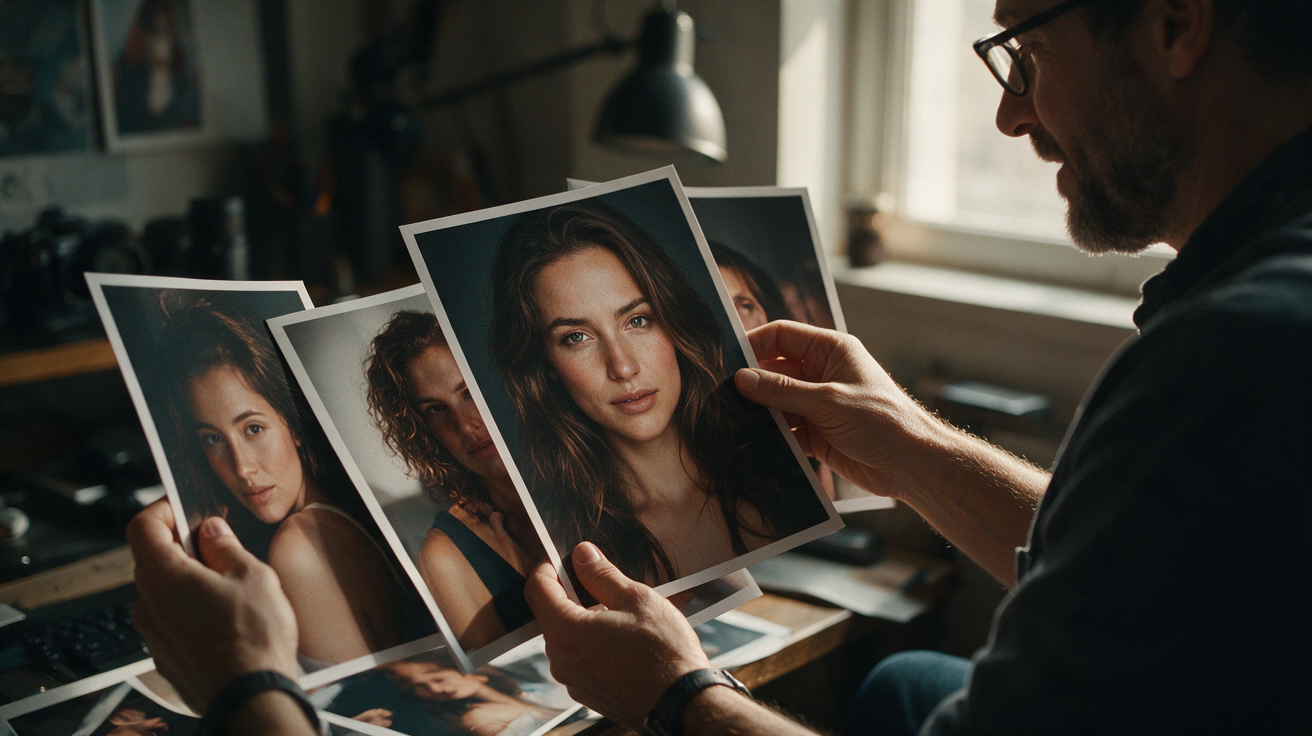
- Clear Face Visibility: The face should be fully visible, facing mostly forward or slightly angled. Avoid extreme side profiles, heavy shadows, or obstructions like hats and sunglasses.
- Good Lighting: Even, natural lighting without harsh shadows or overexposure helps the AI detect facial features accurately.
- Neutral Background: A simple background reduces distractions and helps the AI focus on the face.
- High Resolution: Use the highest quality photo possible within the 10 MB limit to retain facial details.
- Consent: The photo must be of a consenting adult, in line with platform policies.
For more detailed photo preparation advice, see the internal resource: /blog/best-photo-for-toc-toc-ai.
How the Seedance 2.0 Model Shapes Your Video Output
The AI applies the Seedance 2.0 model, a licensed choreography reference lasting about 10 seconds, to animate your portrait. This means every generated video features the same underlying dance sequence, but the facial features come from your uploaded photo.
The video is vertical, 720p resolution, and silent. Since the dance is fixed, the main variation between outputs comes from how the AI maps your face onto the motion. The platform does not currently support alternative dance models, multiple dancers, or different video formats and resolutions.
Because the video is silent, users can add their own music or audio tracks afterward using external video editing tools. The platform does not provide built-in music or audio rights.
Step-by-Step Guide to Generating Your Toc Toc AI Video
Generating a video on toctocai.pro involves a straightforward process:
- Create an Account or Log In: You can browse the site without registration, but generating videos requires credits and an initial purchase. Eligible users can earn credits after opening the site on three consecutive UTC calendar days for a later video.
- Upload Your Photo: Select one clear portrait photo in JPG, PNG, or WebP format, up to 10 MB.
- Submit for Processing: After uploading, your request enters a server queue. Processing time varies but typically takes around 10 minutes.
- Check Job Status: You must manually check the site to see if your video is ready; the platform does not send email notifications.
- Download and Review: Once complete, you can download the private original video in 720p MP4 format. A smaller 320px preview without a watermark is also available but only after generation and is not a free custom preview.
- Use Credits Wisely: Each default generation consumes 50 internal credits, equal to one video allowance. If the generation fails, those credits are refunded.
For more on credits and pricing, see /pricing.
Credit System and Pricing Overview
Understanding the credit system is key to managing your usage and costs. Each default video costs 50 internal credits. Public plans describe that as one video allowance. Credits can be earned or purchased as follows:
| Credit Type | Cost | Validity |
|---|---|---|
| One-time pack (1 video) | $9.90 | Never expires |
| One-time pack (3 videos) | $19.90 | Never expires |
| One-time pack (5 videos) | $29.90 | Never expires |
| Monthly subscription (10) | $29.90/month | Credits expire monthly |
- New users receive 50 credits only after opening the site on three consecutive UTC calendar days. Missing a day resets the streak.
- First-time visitors from ChatGPT or similar sources do not receive free credits.
- Purchased credits do not expire if bought as one-time packs; subscription credits expire monthly.
- Monthly subscriptions renew automatically until canceled.
- Yearly Basic costs $100 for 34 standard videos, billed once a year. Credits expire at the end of the billing year; cancel future renewals anytime.
Credits are deducted immediately upon submission. If generation fails, credits are refunded.
Worked Example: Creating a Toc Toc AI Video for "Alex" (Hypothetical)
Consider a fictional user, Alex, who wants to create a fun AI video from a single portrait photo.
- Photo Selection: Alex takes a high-resolution selfie with even natural lighting against a plain wall. The photo is a JPG file, 3 MB in size.
- Account Creation: Alex creates an account, buys a one-video pack, and earns 50 reward credits by opening the site on three consecutive UTC days. The reward can be used after his purchase.
- Uploading Photo: After his purchase, Alex uploads the selfie. On the third consecutive day, his reward unlocks for a later video.
- Video Generation: Alex submits the photo for processing. The queue takes about 10 minutes.
- Downloading Output: Alex downloads the approximately 10-second vertical 720p silent MP4 video showing the face animated with the Seedance 2.0 hallway dance.
- Review & Share: Alex notices the AI captured facial features reasonably well, though some minor distortions occur during fast motion parts — a normal variation. Alex adds background music using external software and shares the video on social media.
This example highlights the importance of patience during the credit earning phase and managing expectations about AI-generated motion fidelity.
Managing Expectations: What Toc Toc AI Video Can and Cannot Do
While the technology is innovative, it has clear limitations:
- Single Photo Input: Only one photo per generation is accepted; multiple photos or video inputs are not supported.
- Fixed Dance Motion: The AI applies a single licensed hallway dance choreography (Seedance 2.0). There is no option to customize or select different dance styles.
- No Audio Included: Output videos are silent; users must add audio separately.
- Processing Time: Video generation takes approximately 10 minutes but can vary due to server load.
- No Notifications: Users must manually check the site for job status; no email alerts are sent.
- Credit System: Each generation costs 50 internal credits, equal to one default video; eligible free credits require three consecutive UTC calendar days of site visits.
- No Custom Editing: The platform does not offer trimming, muting, or other video editing features.
- No API or Advanced Features: There is no API access, multiple dancer support, or alternative output formats.
- Content Screening: The platform screens all inputs and outputs for NSFW content.
- No Music Rights: The platform does not provide third-party music rights.
Understanding these boundaries helps set realistic expectations and guides users on how to best utilize the service.
Practical Tips for Optimizing Your Toc Toc AI Video Experience
- Consistent Login for Free Credits: To earn 50 reward credits for a later video after your first purchase, log in and open the site on three consecutive UTC calendar days. Missing a day resets the streak.
- Choose Photos Carefully: Refer to /blog/best-photo-for-toc-toc-ai for photo tips to improve output quality.
- Test with One-Time Packs: Use one-time credit packs to experiment with different photos before committing to a subscription.
- Plan Post-Processing: Since videos are silent, plan to add music or captions using your preferred video editor.
- Monitor Credit Balance: Check your credit balance before submitting to avoid interruptions.
- Respect Privacy and Consent: Upload only photos of consenting adults to comply with platform policies.
Frequently Asked Questions
How long does it take to generate a video from one photo?
Video generation typically takes about 10 minutes but can vary depending on server queue length and load.
What photo formats and sizes are accepted?
The platform accepts JPG, PNG, and WebP files up to 10 MB in size.
Can I upload multiple photos or videos?
No. Currently, only one photo per generation is accepted. Video or multiple photo uploads are not supported.
How do I get free credits to generate videos?
You receive 50 free credits only after opening the site on three consecutive UTC calendar days. Missing a day resets the streak. Alternatively, credits can be purchased immediately.
Does the output video include audio?
No. Generated videos are silent. You must add music or sound effects using your own video editing software after downloading.
Can I customize the dance or motion style?
No. The AI applies a fixed licensed hallway dance choreography (Seedance 2.0). Custom dance styles or multiple dancers are not available.
How do I know when my video is ready?
You must manually check the job status on the site. The platform does not send email notifications upon completion.
What if the video generation fails?
If generation fails, your credit is refunded automatically.
Explore More Resources and Next Steps
For users interested in improving their AI video creations, visit the detailed prompt guide at /blog/toc-toc-ai-prompt-guide.
To understand current pricing options and select the best plan for your needs, see /pricing.
Learn more about selecting the perfect photo to maximize AI video quality at /blog/best-photo-for-toc-toc-ai.
Start your creative journey today by uploading your portrait and bringing your still images to life with Toc Toc AI Video from One Photo!
For questions or support, contact the team at contact@toctocai.pro.