Best Photo for Toc Toc AI: Face, Lighting and Consent
Pick a clear, adult photo for Toc Toc AI. Compare face visibility, pose, clothing, file formats, and consent so you know what to check before spending credits.
· Toc Toc AI editorial team
Make your Toc Toc AI dance video
Your photo guides the appearance. The source clip guides the hallway movement.
JPG, PNG or WebP · up to 10 MB
Choose a well-lit photo of one consenting adult. JPG, PNG or WebP; up to 10 MB.
Extra direction (optional)
Only selected results appear in our gallery after review. Your uploaded photo remains private.
Three-day visit reward
Sign in and open the site on three consecutive UTC dates. Days one and two show progress only. Day three grants 50 credits. You must complete a first purchase before creating any personal video; the reward can be used afterward. Missing a day restarts progress. First-time visitors from ChatGPT receive no reward.
$9.90/ 1 video
50 credits · 10 secondsOne-time packs and subscriptions are available. Failed jobs return their credits.
Your videos
Upload a photo, review the source dance, and start when you are ready.
Best Photo for Toc Toc AI Dance: A Practical Guide on Lighting, Pose, Rights, and Formats
Before creating your own video, buy a plan first. Eligible three-day reward credits can pay after that first purchase.
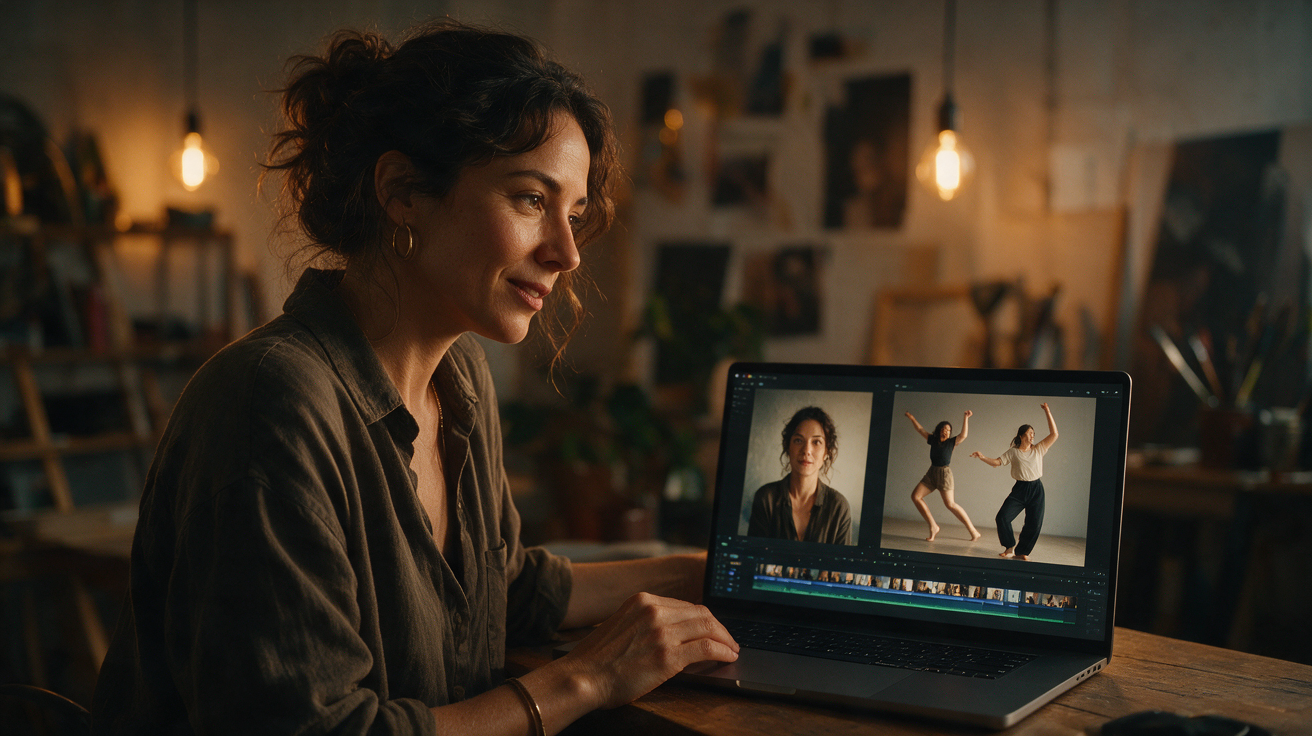
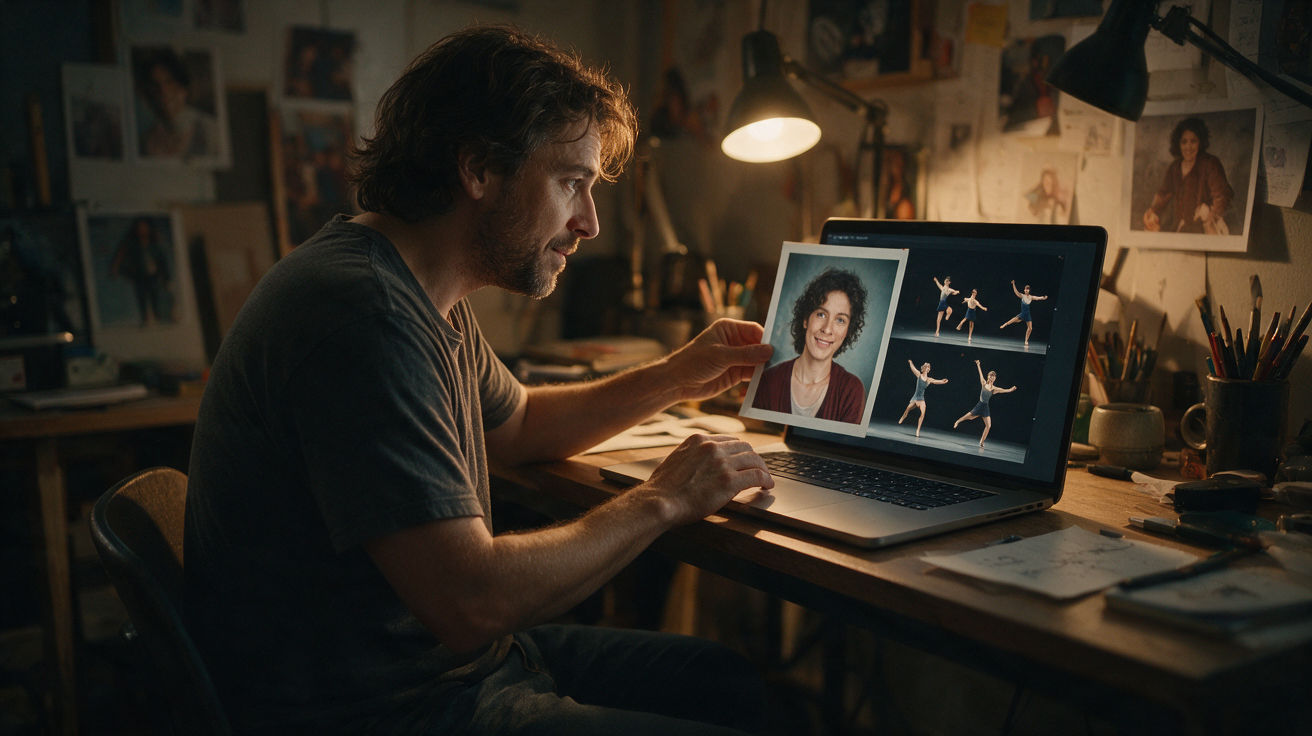
Creating an AI-generated dance video on Toc Toc AI Dance begins with submitting a suitable photo. The quality and characteristics of your image influence how the AI interprets and animates your likeness using the Seedance 2.0 standard model. This guide explains the key factors to consider when selecting your photo, including lighting, pose, image rights, and file format requirements. Following these recommendations will help you optimize your chances of generating a smooth, approximately 10-second vertical 720p silent MP4 dance video.
Understanding Toc Toc AI Dance Photo Requirements
Toc Toc AI Dance currently accepts a single photo per generation. The photo must be of a consenting adult and submitted in JPG, PNG, or WebP format, with a maximum file size of 10 MB. This single image serves as the input for the AI model, which uses one licensed stock hallway dance reference animation and the Seedance 2.0 model (bytedance/seedance-2) to produce a silent vertical video approximately 10 seconds long at 720p resolution.
The system enforces NSFW filters on text, photos, and generated videos to ensure compliance with content guidelines. It is important to note that the AI does not guarantee an exact likeness or choreography replication. The output quality depends on the input photo and the model’s interpretation, and generation may occasionally fail.
Currently, the platform does not support uploading custom audio or video, multiple photos, different AI models, or editing features such as trimming or muting. Users can check the status of their generation on the site but do not receive email notifications upon completion.
Optimal Lighting for Your Photo
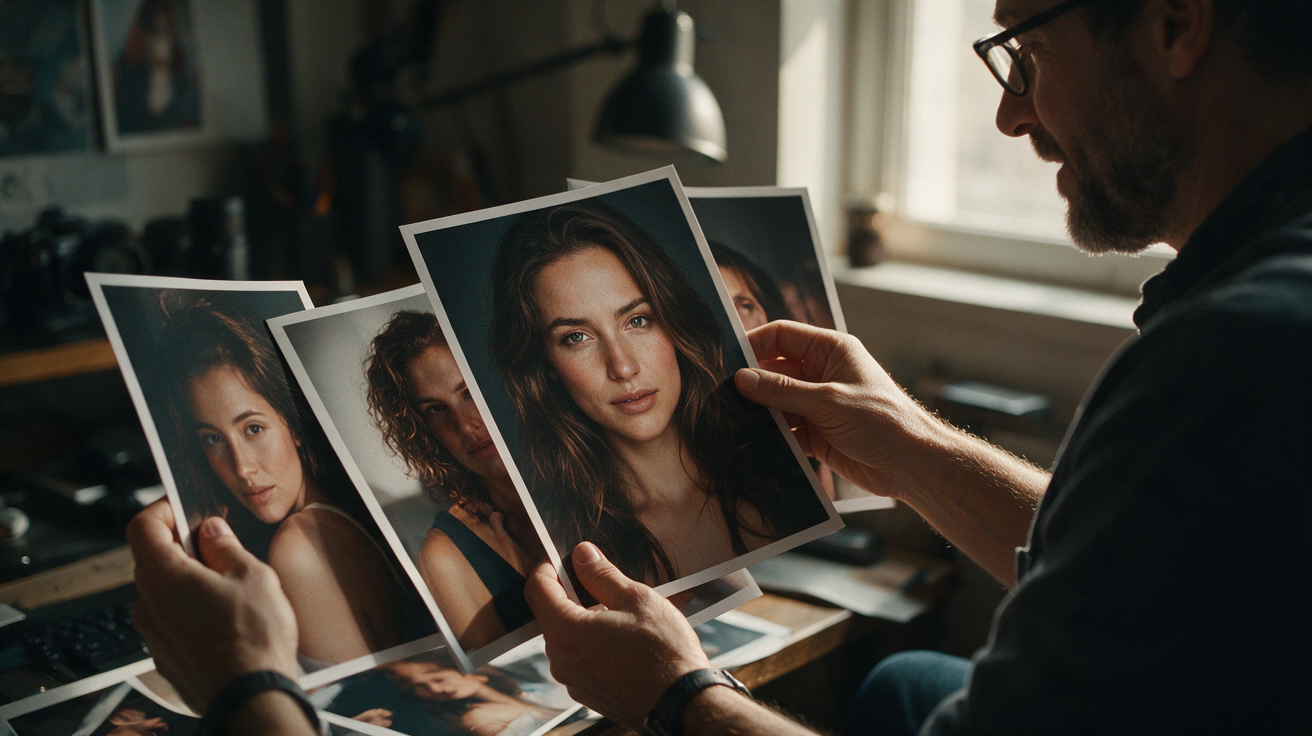
Lighting plays a crucial role in how well the AI can detect and animate your facial and body features. Consider the following lighting tips:
- Natural, Even Lighting: Soft daylight or diffused indoor lighting is ideal. Avoid harsh shadows or overexposed highlights, as uneven lighting can obscure details and confuse the AI’s recognition process.
- Front-Facing Illumination: Ensure the subject’s face and upper body are well-lit from the front. Backlighting or strong side lighting may create silhouettes or hide important features.
- Neutral Color Balance: Use lighting without strong color casts to help the AI accurately interpret skin tones and textures.
- Avoid Flash Reflections: Flash can cause glare or red-eye, which may degrade the photo quality and affect AI processing.
A well-lit photo provides clear contours and textures, enabling smoother and more natural-looking dance animations.
Choosing the Right Pose
The pose in your photo affects the AI’s ability to infer body shape and generate convincing movement. Follow these guidelines:
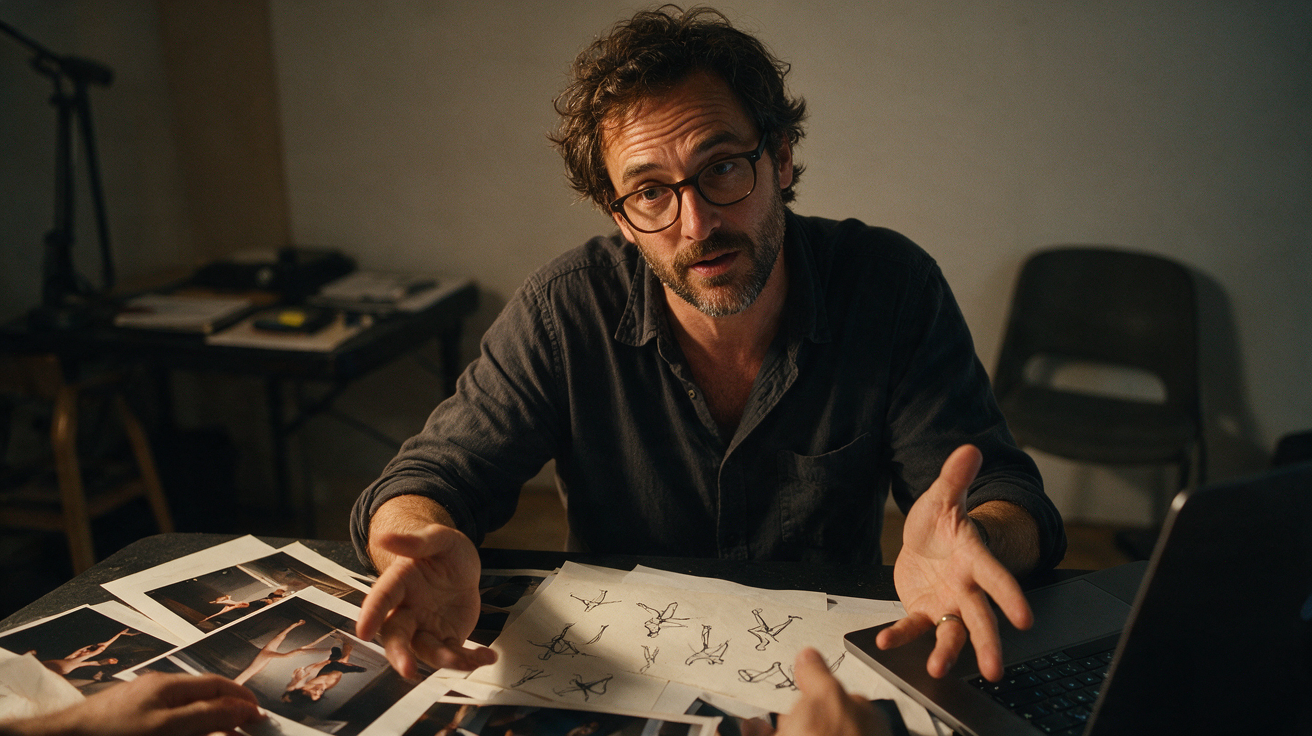
- Face Fully Visible: The face should be unobstructed by hair, hats, sunglasses, or other accessories. Clear facial landmarks are essential for the AI.
- Neutral or Slight Smile: A relaxed expression works best. Extreme facial expressions may confuse the facial animation.
- Include Upper Body and Shoulders: Ideally, the photo should show the head, neck, shoulders, and upper torso to help the AI understand posture.
- Frontal or Slight Angle: A frontal pose or one rotated up to about 30 degrees is optimal. Profiles or extreme angles reduce facial detail.
- Stable, Upright Posture: Standing or sitting upright with a natural posture aids in realistic dance movement generation.
Avoid selfies with extreme distortion or close-ups that crop out body parts, as these limit the AI’s ability to animate the figure effectively.
Image Rights and Consent
Toc Toc AI Dance requires that the uploaded photo depicts a consenting adult who owns or has the rights to the image. This is important for ethical and legal reasons.
- Use Your Own Photo or Obtain Consent: Only upload photos of yourself or adults who have explicitly consented to their image being used for AI generation.
- Avoid Copyrighted or Stock Images: Do not use photos sourced from the internet, celebrities, or copyrighted content.
- Comply with NSFW and Privacy Policies: Photos must adhere to the platform’s content guidelines and privacy rules.
The platform does not guarantee likeness accuracy but expects responsible use of images to avoid infringement or misuse.
Supported File Formats and Size Limits
Your photo must be in one of the following formats and meet the size restriction:
| Format | Maximum File Size | Notes |
|---|---|---|
| JPG | 10 MB | Widely supported, compressed |
| PNG | 10 MB | Supports transparency |
| WebP | 10 MB | Modern format, efficient compression |
Ensure your photo is under 10 MB to avoid upload errors. For best results, use a high-resolution image (at least 720 pixels wide) with minimal compression artifacts.
Credit System and Usage Costs
Generating a dance video on Toc Toc AI Dance requires spending credits. The current credit system and pricing are as follows:
| Credit Type | Cost | Validity |
|---|---|---|
| One-time pack | $9.90 (1 video) | Credits do not expire |
| $19.90 (3 videos) | Credits do not expire | |
| $29.90 (5 videos) | Credits do not expire | |
| Monthly subscription | $29.90 (10 videos) | Credits expire monthly |
There is no welcome credit upon registration. Users who are not ChatGPT visitors can earn 50 credits by opening the site on three consecutive UTC calendar days; missing a day resets this streak. ChatGPT visitors do not qualify for free credits and must purchase credits immediately. Purchased credits from one-time packs do not expire, while subscription credits expire at the end of each billing month.
Yearly Basic costs $100 for 34 standard videos, billed once a year. Credits expire at the end of the billing year; cancel future renewals anytime.
Credits are deducted per video generation. Each generation uses 50 internal credits. If a generation fails, credits are refunded.
Worked Example: Creating a Dance Video for “Alex” (Hypothetical)
To illustrate the process, consider a fictional user, Alex, who wants to create an AI dance video using Toc Toc AI Dance.
Step 1: Selecting the Photo
Alex selects a high-quality photo taken outdoors in soft afternoon light. The image shows Alex facing the camera with a slight smile, shoulders visible, and no accessories obscuring the face. The photo is saved as a 2.5 MB JPG file.
Step 2: Checking Image Rights
Alex confirms that the photo is their own and consents to its use for AI dance generation.
Step 3: Uploading the Photo
Alex logs into Toc Toc AI Dance and uploads the JPG photo. The file size is within the 10 MB limit, and the site accepts the image without errors.
Step 4: Reviewing Credit Balance
As a new user, Alex initially has no credits. Alex opens the site on three consecutive UTC calendar days to unlock 50 credits.
Step 5: Generating the Dance Video
Alex spends 50 credits to queue the generation of a 10-second vertical 720p silent MP4 video based on the licensed hallway dance reference animation.
Step 6: Receiving and Reviewing the Output
After approximately 10 minutes of processing (queue time may vary), Alex downloads the video. The AI animation maps Alex’s likeness onto the dance reference, producing a visually coherent result. Note that the AI does not guarantee exact likeness or choreography replication.
Step 7: Optional Purchase
Alex decides to purchase a one-time pack of 3 video credits for $19.90 to create additional dance videos using different photos.
Comparison: Photo Factors Affecting AI Dance Quality
| Factor | Ideal Condition | Impact if Suboptimal |
|---|---|---|
| Lighting | Even, front-facing, natural | Shadows, glare, poor details |
| Pose | Frontal, neutral expression | Obscured face, extreme angles |
| Image Rights | Own photo, consent obtained | Possible legal and ethical issues |
| File Format | JPG/PNG/WebP under 10 MB | Upload failure or compression artifacts |
Frequently Asked Questions
What happens if my photo is poorly lit or blurry?
Poor lighting or blur can reduce the AI’s ability to detect facial and body features, resulting in unnatural or distorted animations. It is recommended to choose a clearer, well-lit photo for better results.
Can I use photos of other people?
Only if they are consenting adults who have explicitly agreed to their image being used for AI generation. Uploading photos without consent is prohibited and may violate site policies.
Does the AI dance video include sound or music?
No. The output is a silent MP4 video. Users can add their own music separately using video editing software.
How long does the generation process take?
The AI model task we tested took about 10 minutes. Queue time can vary depending on server load and demand.
Can I reuse the same photo for multiple videos?
Yes, but each video generation consumes credits.
Further Resources
For more insights on AI dance generation and related topics, explore these internal resources:
By selecting a well-lit, clear, and properly posed photo that you have the rights to use, you can improve the quality of your Toc Toc AI Dance video. Remember to adhere to the site’s format and content guidelines and plan your credits accordingly. With these practical tips, your AI-generated dance video will be ready to share. For questions or support, contact contact@toctocai.pro.