What this generator does, and what it does not
This is a video tool. It animates a performer with a fixed dance reference and renders a short clip. It is not a Photoshop-style outfit swap that returns a still photo, and it does not guarantee an exact costume replica.
That distinction matters for search intent. If you want a still costume image, use an image generator such as GPT Image 2 in ChatGPT or Gemini. The free photo editor here grades an existing photo but does not add a costume. If you want a moving clip that shows the costume in a scene, use this generator.
- Good for: reveal clips, mood videos, character concepts, social posts
- Not for: exact cosplay reproduction, group photos, pet photos, children
- Output: silent 720p MP4, vertical, about ten seconds
A direction formula that works
Write the direction in four parts: keep, change, scene, light. The order keeps the model anchored. Start with what must not change, then describe the costume, then the room, then the lighting.
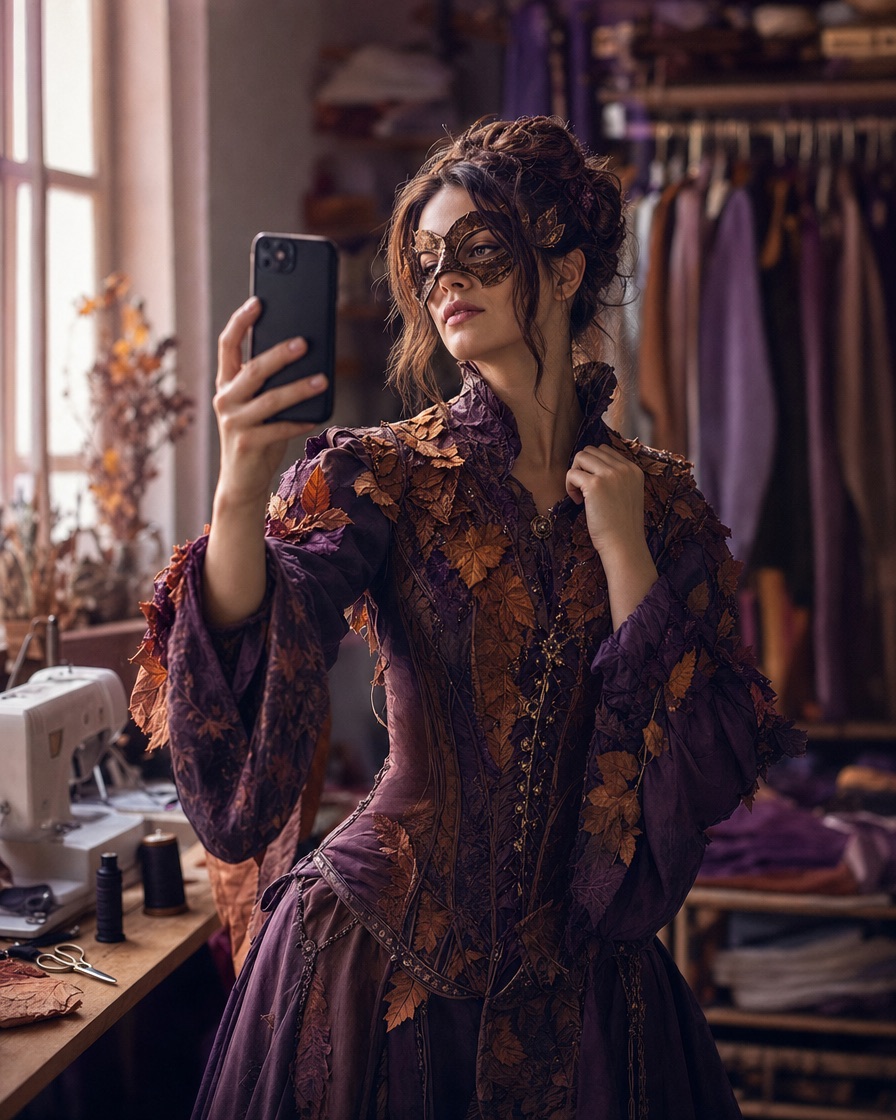
For example: Keep my face, glasses and natural hair colour. Dress me in an original black-and-purple velvet gothic costume with lace sleeves and silver details. Place me in a moonlit garden with soft fog. Use warm lantern light and a realistic editorial look.
- Keep: face, glasses, hair colour, body proportions
- Change: garment, fabric, accessories, colour palette
- Scene: hallway, garden, observatory, studio, stage
- Light: warm lantern, cool moonlight, hard flash, soft window light
Six costume directions to try
These are original interpretations, not copies of film or game costumes. Each one works in image mode with a clear photo and a short direction.
Start with the closest style page, then edit the prompt. The studio remembers your draft in the browser, so you can refine the wording without re-uploading every time.
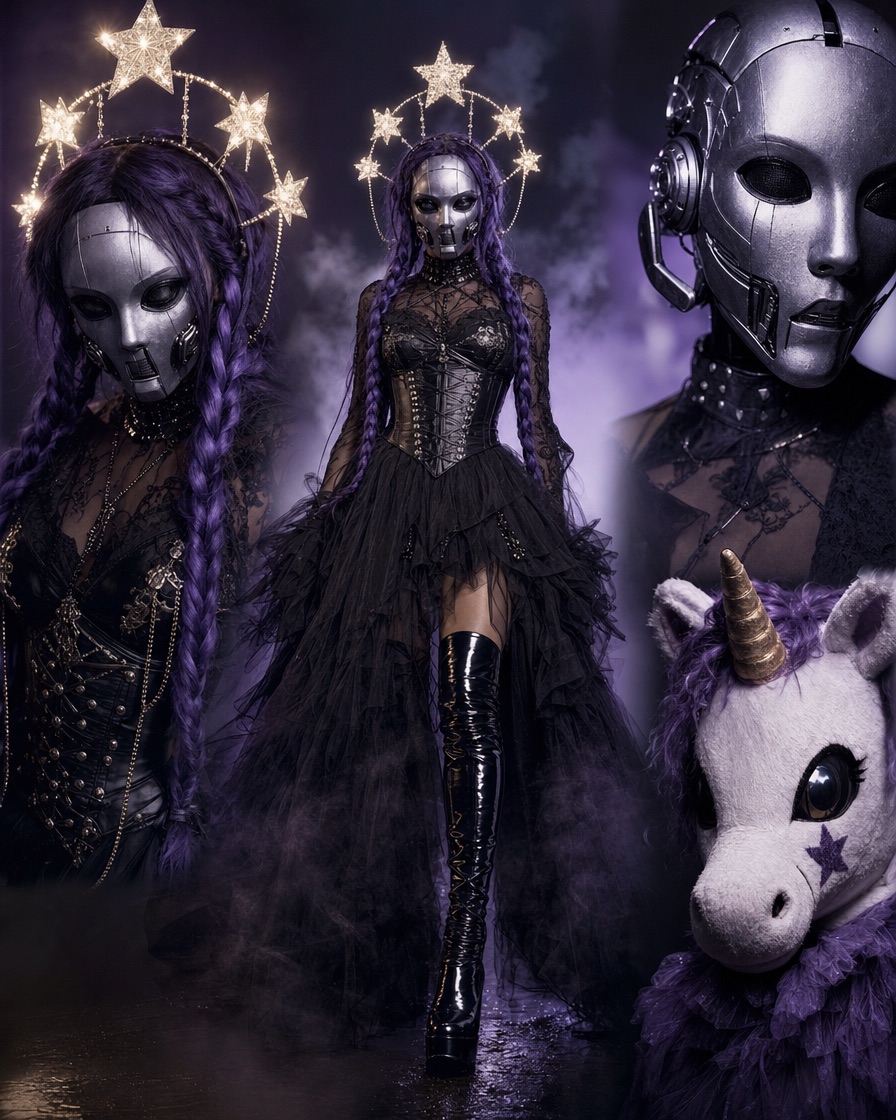
- Midnight braids: long violet braids, silver hair jewellery, black velvet
- Cosmic princess: midnight-blue gown, star embroidery, moon crown
- Wearable robot: metallic panels, blue LEDs, human face visible
- Haunted unicorn mascot: plush fur, spiral horn, playful eerie mood
- Victorian occult: high collar, lace gloves, candlelit library
- Skeleton glam: black base, silver bone makeup, smoky spotlight
The photo is half the result
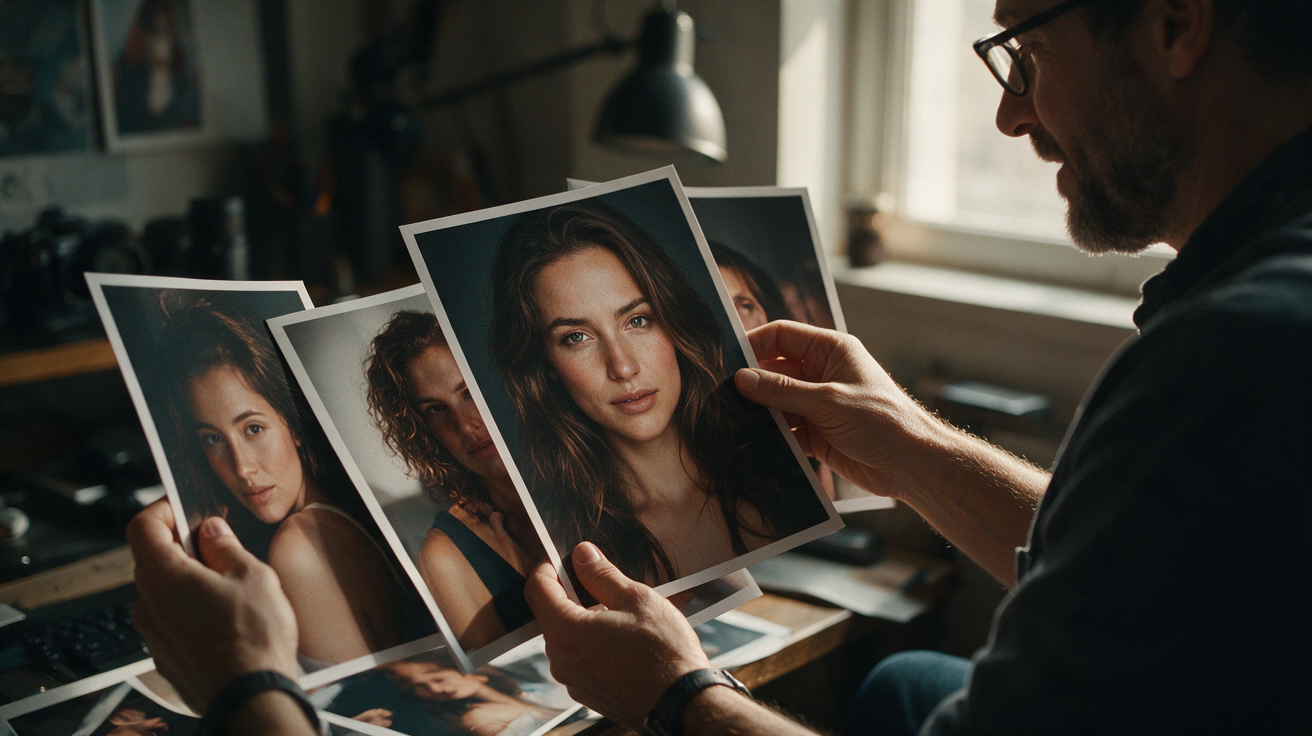
A sharp, evenly lit portrait gives the model more to work with. If the face is small, turned away or covered by a filter, the result will drift. If the background is busy, the model may keep unwanted objects.
Use a photo where you have permission from every person shown, and confirm that everyone is an adult. The upload limit is 10 MB and the accepted formats are JPG, PNG and WebP.
- Face clearly visible, eyes open, neutral expression
- Soft front light rather than a strong side shadow
- Plain wall or simple background
- No group photo when the template expects one performer
Preview first, pay only for the file you keep
The first watermarked preview is free. It is a full generation, so you can judge the costume, face and motion before spending anything. If the result is not right, adjust the direction and try again while your free preview is available.
When you are happy, a one-time pack unlocks the full 720p MP4. One video is $9.90, three are $19.90 and five are $29.90. A monthly plan is $29.90 for ten videos. Failed generations return their credits.
- Free preview: watermarked, one per account
- Paid file: full 720p MP4, no watermark
- One-time credits never expire
- Monthly allowance resets each billing cycle