The five-part prompt formula
Most weak prompts fail because they describe a vibe instead of a scene. Use five parts in this order and the model has less to guess.
This structure works for both image and video models. Video prompts need one extra instruction: a camera move and a body action.
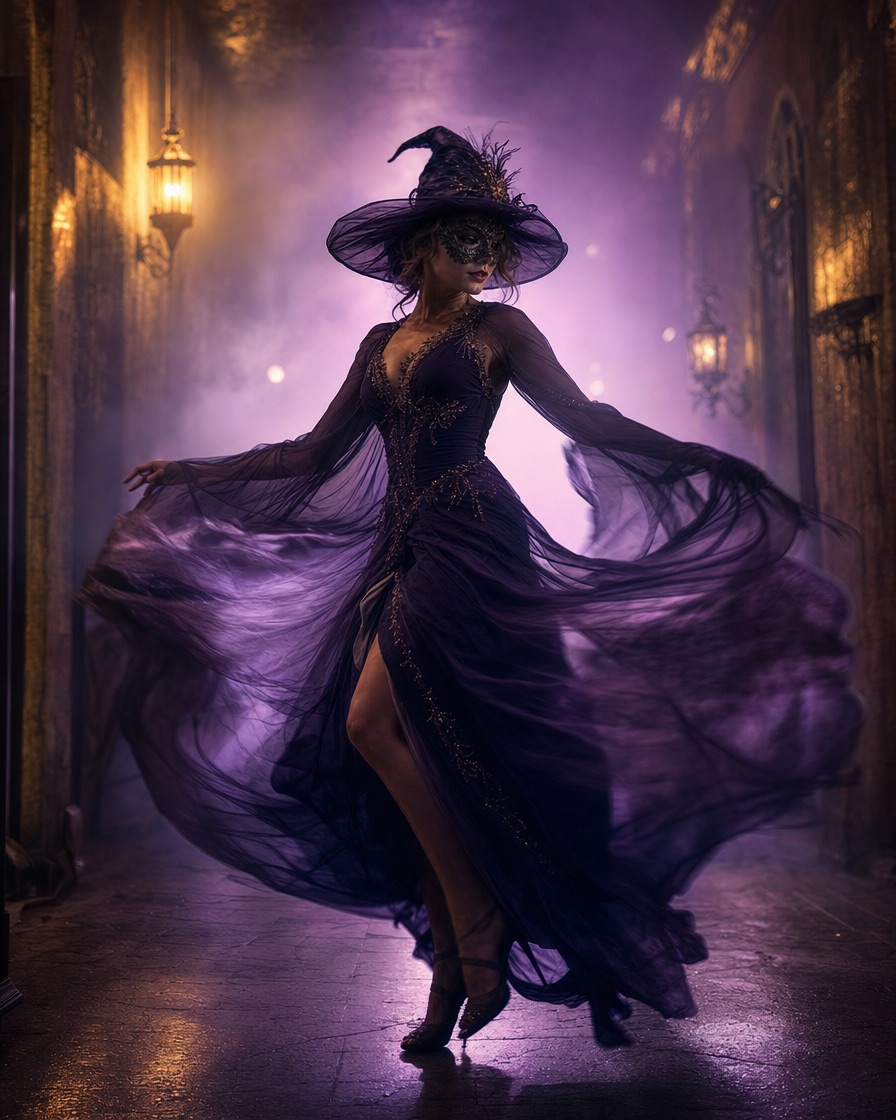
- Who: a fictional adult performer
- What: costume plus two concrete details
- Where: one room or landscape
- Light: palette and source
- Camera: one move, plus what to avoid
Image prompts vs video prompts
Image prompts can spend more words on texture, fabric and composition because the result is a single frame. Video prompts need to reserve attention for motion, anatomy and camera behaviour.
For video, keep the costume to two or three details and add stable anatomy, full body in frame and one camera move. Too many scene changes in a ten-second clip produce cuts and distortions.
- Image: texture, lens, composition, colour grade
- Video: motion, anatomy, camera, continuity
- Both: no text, no logos, no extra people
What to put in the negative direction
The model needs to know what not to add. Common failures are extra fingers, duplicated limbs, a second person, floating objects and text-like artefacts.
Add a short avoid line: no extra people, no distorted hands, no text, no logos, no watermark. For costume videos, also ask to keep the face consistent and the costume silhouette stable.
- No extra people or duplicated body parts
- No text, logos or watermarks
- No identity change between frames
- No sudden scene cuts
Using these prompts with Gemini or ChatGPT
Paste the image prompt into Gemini or ChatGPT and ask for one image, not a grid. If the model adds text or a border, repeat the request with an explicit no text, no border instruction.
For a consistent character across several images, keep the same first sentence and change only the scene. That gives the model a stable anchor.
- Ask for one image at a time
- Keep the identity sentence unchanged
- Change one variable per iteration
- Save the prompt next to the result