Why ten seconds is the right length
TikTok rewards the first second. A Halloween costume video has to show the look before the viewer decides to scroll. Ten seconds is long enough to reveal a costume, establish a mood and land one small movement; it is short enough to watch twice.
That is the format Toc Toc AI produces: a silent 720p MP4 in a 9:16 frame, around ten seconds long. You add the audio inside TikTok, which means you can use the platform's licensed library and keep the clip legally clean.
This guide gives you twelve ideas, the hook for each one, and the prompt or workflow that makes it. The goal is not to post more. It is to post clips that are legible in one second.
The three-second hook
Before the idea, the structure. A ten-second clip usually works in three beats:
- 0-1s: the silhouette. A plush head, a glowing crown, a long braid. The viewer should know what they are looking at before the caption.
- 1-7s: the motion. A turn, a sway, a step. One action, not five.
- 7-10s: the payoff. A head tilt, a light change or a freeze. This is what makes the loop work.
If the costume is not readable in the first frame, no caption will fix it. Choose a look with a strong silhouette and put the camera close enough to see it.
Twelve ideas
1. The haunted mascot sway
A plush unicorn mascot in a foggy room, swaying slowly. Hook: the eyes glow before the body moves. Use the haunted unicorn prompt.
2. The midnight braid turn
A performer with long violet braids turns their head toward the camera. Hook: the braids move before the face is visible. Use the Midnight Braids look.
3. The cosmic princess reveal
A dark frame, then a cool light reveals a star-covered gown. Hook: the glow appears before the full body. Use the Cosmic Princess look.
4. The robot joint test
A wearable robot costume raises one arm, then the other. Hook: the LEDs blink in sequence. Use the robot costume page.
5. The costume swap
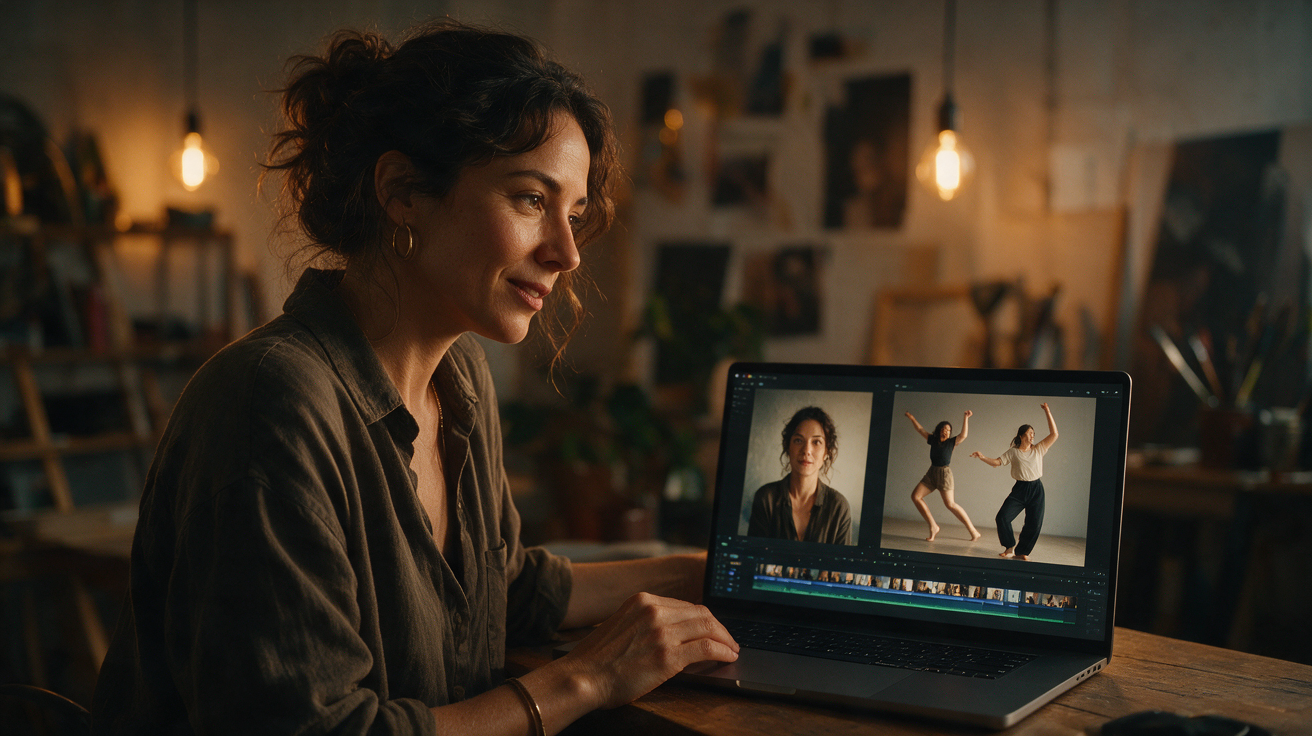
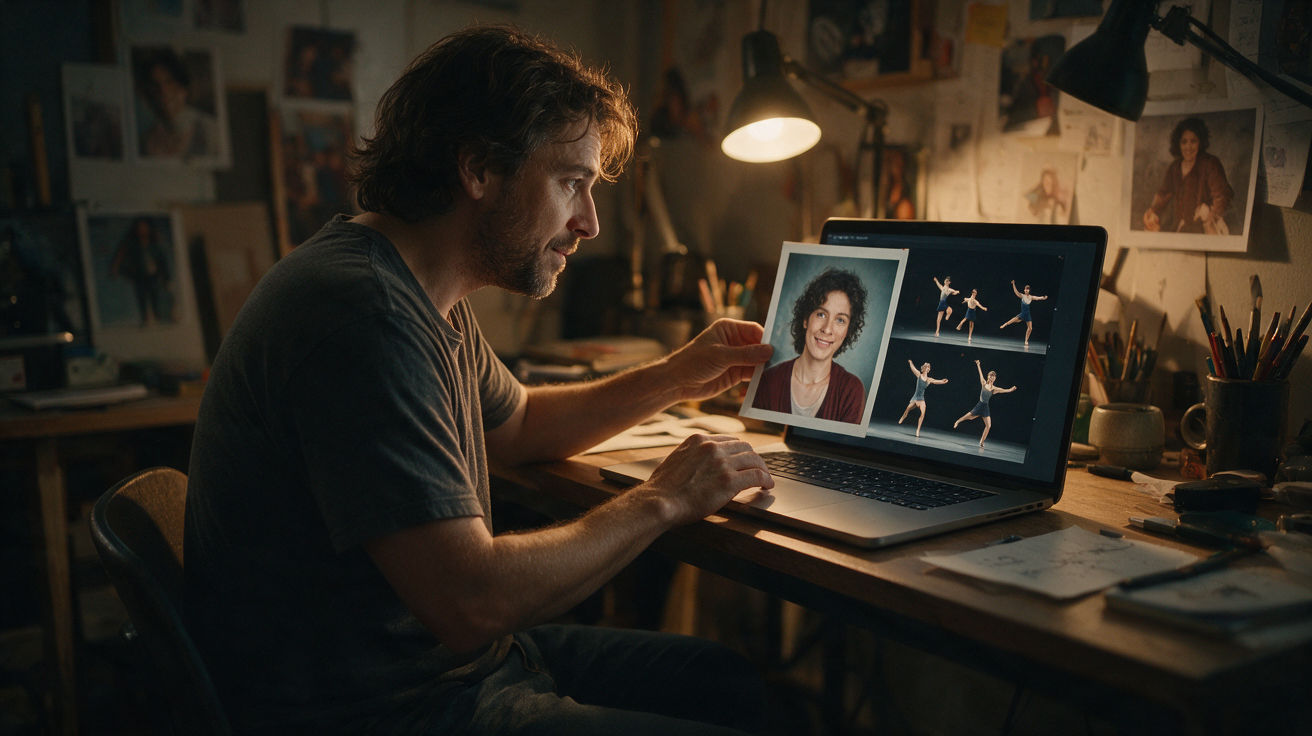
Post two clips side by side: the original photo and the AI dance. Hook: the photo is static, then it moves. This is a strong format because it explains the tool without a voiceover.
6. The hallway walk
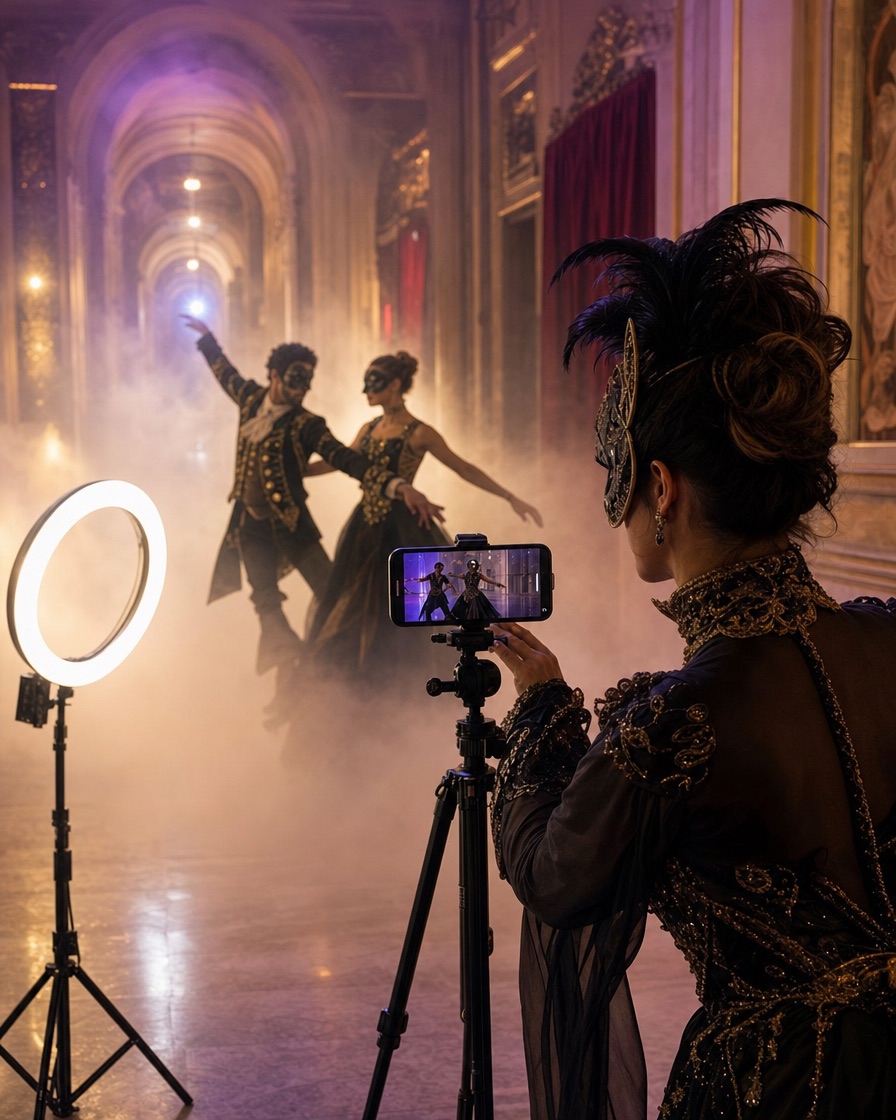
A slow walk toward the camera in a foggy hallway. Hook: the footsteps are implied by the movement; add a bass hit at the first step.
7. The candlelit close-up
A close-up of the face and collar, then a slow pull back to reveal the costume. Hook: the eyes look away, then back.
8. The ghost bride drift
A pale figure drifts across an abandoned ballroom. Hook: the veil moves before the body. Keep the motion slow; fast movement breaks the illusion.
9. The group reaction
Film a friend reacting to the AI clip. Hook: the reaction is real, the video is generated. This works well for a duet or stitch.
10. The prompt reveal
Show the prompt on screen, then the result. Hook: the text is short enough to read in two seconds. This is a tutorial format, not a costume reveal.
11. The before-and-after grade
Use the free Halloween photo editor to grade a still, then show the AI video. Hook: the colour changes first, then the motion starts.
12. The series teaser
Three quick cuts: garden, hallway, library. Hook: the same costume in three places. Use one prompt and change the scene.
Captions that work
A short caption is better than a paragraph. Name the look, the tool and the mood. For example:
- "Midnight braids, moonlit garden. Made with AI."
- "Haunted unicorn mascot. Would you wear it?"
- "Cosmic princess in an observatory. Prompt in the comments."
Do not write a fake testimonial or imply that a real person is the character. If the video uses a photo of a real person, you need their permission. If it uses a text prompt, the performer is fictional.
Audio rights
The video file is silent. Add audio inside TikTok from the licensed library, or use a track you own. Do not download the viral original track and add it in an external editor unless you have the rights for your account and region.
A silent file is an advantage: you can reuse the same clip with different audio for different audiences. It also means the clip is not tied to one trend sound that may disappear.
The AI label
TikTok asks creators to label realistic AI-generated content. Use the label. It is two taps and it protects trust. A caption that says "made with AI" is also useful because it sets expectations before the comments.
The same rule applies on Instagram and YouTube. If you cross-post, add the label on each platform.
A week of content from one costume
You do not need seven costumes. You need one costume and seven scenes.
- Monday: the reveal (idea 2 or 3).
- Tuesday: the prompt tutorial (idea 10).
- Wednesday: the before-and-after (idea 5).
- Thursday: the close-up (idea 7).
- Friday: the reaction (idea 9).
- Saturday: the series teaser (idea 12).
- Sunday: the best-performing clip, reposted with a new hook.
That schedule is realistic for one person and one generation session. It also gives the algorithm multiple entry points to the same look.
What to avoid
Do not post a clip where the face is distorted for the entire ten seconds. A small artefact is normal; a broken face is not. Regenerate or change the photo.
Do not use a copyrighted character costume or a real celebrity likeness. Do not imply that a brand or film endorsed the video. Do not use a child's photo; the tool is for consenting adults.
Do not over-edit the caption with twenty hashtags. Three relevant tags and a clear sentence are enough.
Cost and workflow
The first watermarked preview is free. Full MP4s start at $9.90 for one video; three are $19.90 and five are $29.90. The monthly plan is $29.90 for ten videos. Failed generations return their reserved credits.
A practical session: pick three ideas, generate three previews, keep the best two, unlock one pack and publish across the week. That is cheaper than buying a new costume for every post.
Frequently asked questions
Can I post Toc Toc AI videos on TikTok?
Yes. The MP4 is yours to use subject to the terms. Add licensed audio and use TikTok's AI-generated content label.
Why is the video silent?
A silent file lets you choose audio that is licensed for your account and region. Add music inside TikTok before publishing.
How long does a video take to generate?
About ten minutes for a tested standard generation, though queue time varies. You can leave the page and return to My videos.
Can I make a video with a friend?
The current template is for one performer per generation. You can make two separate clips and edit them side by side, or use the couple costume guide for photo ideas.
Can I use the video in an ad?
You can use the file subject to the terms and the rights you hold in the source photo and audio. Do not imply that a real person or brand endorses the product.
Start with the Halloween hub, pick one idea and generate a free preview. The best clip is usually the one with the clearest silhouette, not the one with the most effects.
Try the tool from this guide
One free watermarked preview per account. Full 720p MP4 after purchase. Failed generations return credits.
Make your Toc Toc AI dance video
Your photo guides the appearance. The source clip guides the hallway movement.
JPG, PNG or WebP · up to 10 MB
Choose a well-lit photo of one consenting adult. JPG, PNG or WebP; up to 10 MB.
Extra direction (optional)
Only selected results appear in our gallery after review. Your input remains private.
$9.90/ 1 video
50 credits · 10 secondsOne-time packs and subscriptions are available. Failed jobs return their credits.
Your videos
Upload a photo or describe a scene, then create your video.
Toc Toc AI
Toc Toc AI editorial team · Source and publishing references