Toc Toc AI Music Rights: Soundtracks and Licensing
Toc Toc AI exports silent videos. Learn why the viral song is not included, how to choose music you may use, and what platform rules to check before publishing.
· Toc Toc AI editorial team
Make your Toc Toc AI dance video
Your photo guides the appearance. The source clip guides the hallway movement.
JPG, PNG or WebP · up to 10 MB
Choose a well-lit photo of one consenting adult. JPG, PNG or WebP; up to 10 MB.
Extra direction (optional)
Only selected results appear in our gallery after review. Your uploaded photo remains private.
Three-day visit reward
Sign in and open the site on three consecutive UTC dates. Days one and two show progress only. Day three grants 50 credits. You must complete a first purchase before creating any personal video; the reward can be used afterward. Missing a day restarts progress. First-time visitors from ChatGPT receive no reward.
$9.90/ 1 video
50 credits · 10 secondsOne-time packs and subscriptions are available. Failed jobs return their credits.
Your videos
Upload a photo, review the source dance, and start when you are ready.
Can You Add Music to a Toc Toc AI Video?
Before creating your own video, buy a plan first. Eligible three-day reward credits can pay after that first purchase.
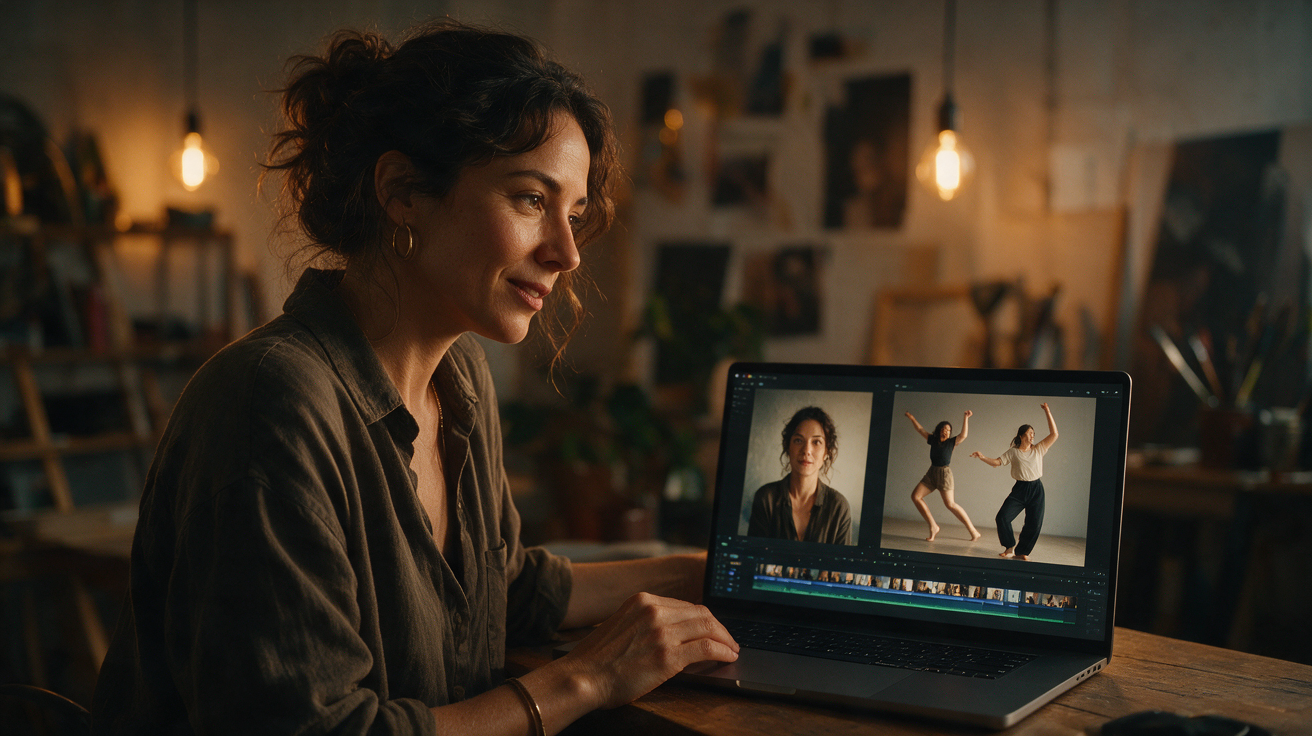
The short answer is no—you cannot add music directly within the Toc Toc AI platform to the videos it generates. Toc Toc AI produces silent MP4 videos by design, focusing solely on creating short dance or motion clips from a single consenting adult photo and a licensed dance reference. However, you can combine the silent video output with licensed audio tracks using external video editing tools to create a polished final product. This guide explains the nature of Toc Toc AI’s silent videos, why they lack audio, and practical steps to add music legally and effectively outside the platform.
Understanding Toc Toc AI’s Silent MP4 Output
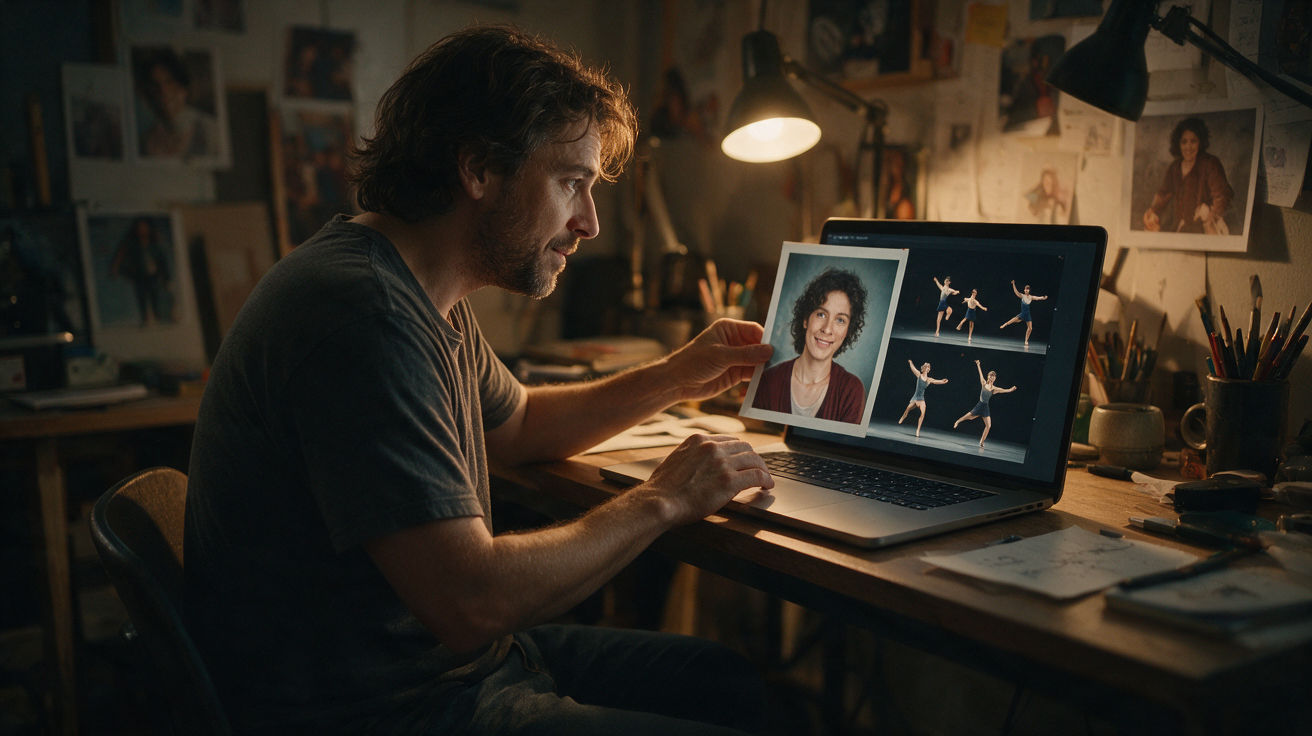
Toc Toc AI generates vertical MP4 videos approximately 10 seconds long, at 720p resolution. Each video is created from one consenting adult photo (in JPG, PNG, or WebP format, up to 10 MB) combined with a single licensed stock hallway dance reference. The AI model used is the Kie AI standard Seedance 2.0 (model ID: bytedance/seedance-2). The output video is silent, containing no audio track.
The video generation process typically takes about 10 minutes, though queue times can vary depending on server load. Users submit one photo per generation request, which costs 50 internal credits. If the generation fails, credits are refunded. The platform does not currently support multiple dancers, alternative dance references, custom audio or video uploads, different video formats or resolutions, trimming or muting editors, or email notifications upon completion. Users must check the job status on the site manually.
The platform screens all inputs and outputs for NSFW content and complies with privacy and consent policies, accepting only photos of consenting adults.
Why Are Toc Toc AI Videos Silent?
The absence of audio in Toc Toc AI videos is a deliberate design choice based on several practical and legal factors:
- No Music Rights Included: The licensed dance reference used by Toc Toc AI does not include music rights. Incorporating music within the generated video would require additional licensing agreements, which the platform does not hold.
- User Flexibility: By providing silent videos, users have the freedom to add their own licensed audio tracks externally, tailoring the soundtrack to their preferences and ensuring compliance with copyright laws.
- Technical Simplicity and Efficiency: Generating silent videos reduces processing complexity and file size, enabling faster generation and download.
- Focus on Visual Content: The AI’s primary function is to animate a static photo into a realistic dance motion clip, not to produce or embed audio.
How to Add Licensed Audio to a Toc Toc AI Video
Although Toc Toc AI does not embed music, you can add audio tracks yourself using external video editing software. Below are practical steps to do this:
Step 1: Obtain a Licensed Audio Track
- Use royalty-free music platforms or purchase a license for a track that fits your intended use.
- Ensure the license covers synchronization rights (sync rights) and distribution for your intended platforms.
- Avoid using unlicensed or copyrighted music without permission to prevent infringement.
Step 2: Generate and Download Your Silent Toc Toc AI Video
- Upload a consenting adult photo (JPG, PNG, or WebP up to 10 MB) to Toc Toc AI.
- The platform uses a licensed hallway dance reference and the Seedance 2.0 model to generate a silent vertical MP4 video about 10 seconds long.
- After generation completes (typically around 10 minutes), download the silent MP4 file.
- Note: The platform provides a 320px custom preview without a watermark after generation, but this is not a free preview before purchase. The paid original video is private and downloadable.
Step 3: Use Video Editing Software to Add Audio
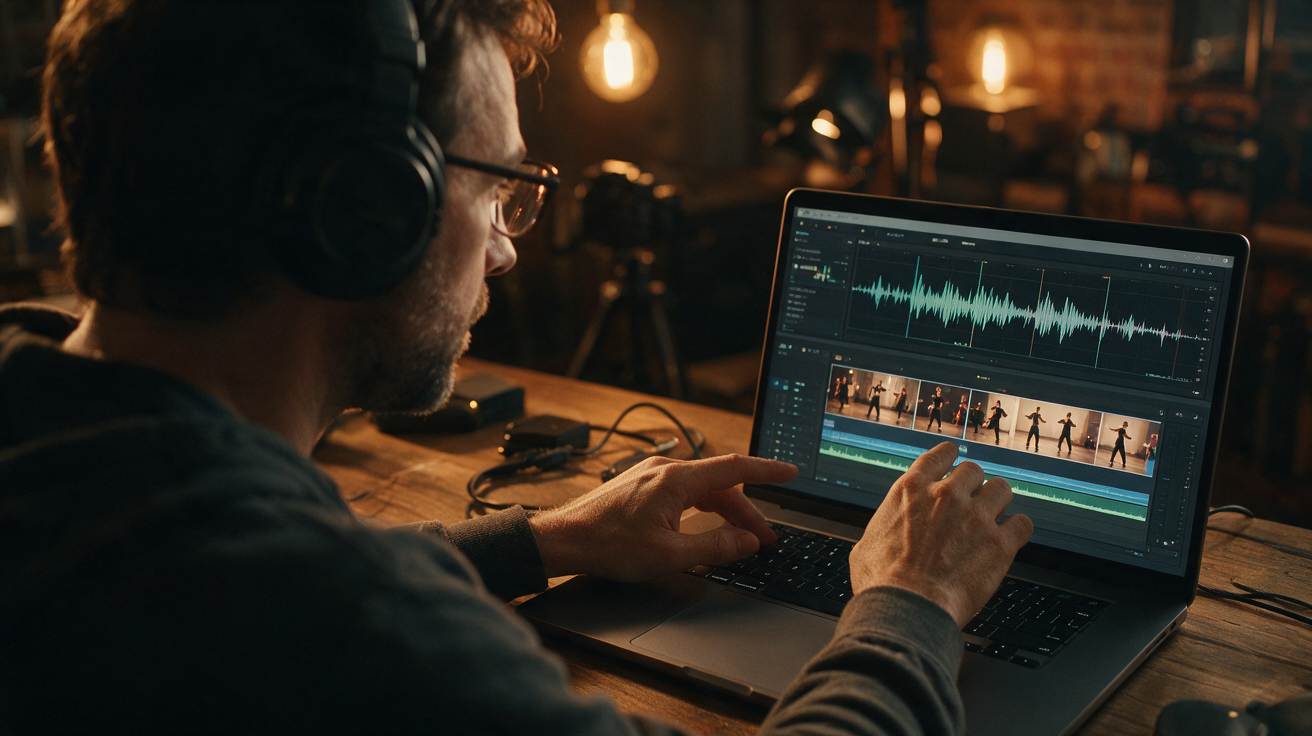
- Import the silent MP4 video into any video editor you prefer. Options include free software like iMovie, DaVinci Resolve, or paid tools like Adobe Premiere Pro.
- Import your licensed audio track.
- Align the audio to the video’s duration, trimming or looping the audio as needed to fit the approximately 10-second video length.
- Adjust audio levels and apply any desired effects.
Step 4: Export the Final Video
- Export the combined video with both video and audio streams.
- Choose output settings that maintain the vertical 720p resolution and MP4 format, suitable for your intended platform.
Step 5: Verify Licensing and Usage Rights
- Keep documentation of your music license.
- Use the video within the scope of your license to avoid copyright issues.
Comparison of Audio Addition Options
| Method | Ease of Use | Cost | Control Over Audio |
|---|---|---|---|
| Built-in Platform Audio | Not available | N/A | N/A |
| External Video Editing Software | Moderate (some learning curve) | Varies: free to paid software + music license | High (precise timing, volume, effects) |
| Automated Online Editors | Easy | Subscription or per-use fees | Moderate (limited features) |
| Social Media Platforms | Easy | Free | Low (limited editing tools) |
Since Toc Toc AI does not support built-in audio, external video editing software remains the most flexible and reliable method to add music.
Worked Example: Adding Music to a Toc Toc AI Video for a Hypothetical User
Meet Julia, a content creator who wants to produce a short video of herself dancing. She has a clear, consenting portrait photo and wishes to add a royalty-free upbeat track legally.
Julia’s Process:
-
Preparation:
- Julia uploads her photo (PNG, 2.5 MB) to Toc Toc AI.
- The platform uses the licensed hallway dance reference and the Seedance 2.0 model to generate a silent vertical MP4 video about 10 seconds long.
- After approximately 10 minutes, Julia downloads the silent video.
-
Music Licensing:
- Julia obtains a royalty-free upbeat track from a reputable music licensing platform.
- The license covers video synchronization and social media distribution.
-
Editing:
- Julia opens DaVinci Resolve (free version) and imports the silent MP4 and the music file.
- She trims the music to match the 10-second video length.
- She adjusts audio levels and exports the combined video.
-
Publishing:
- Julia uploads the final video to her social media accounts.
- She credits the music source according to the license terms.
This example illustrates how users can create engaging videos with music while respecting copyright, despite Toc Toc AI’s silent output.
Tips for Working with Toc Toc AI Videos and Music
- Use Only Consenting Adult Photos: Toc Toc AI accepts only photos of consenting adults. Review the platform’s privacy and consent guidelines at /blog/toc-toc-ai-privacy-consent.
- Understand the Credit System: New users start with zero credits. You earn 50 credits after signing in on three consecutive UTC calendar days (missing a day resets the streak). Purchased credit packs or subscriptions are independent of this streak. See detailed pricing at /pricing.
- Match Audio Length: Since videos are fixed at about 10 seconds, select or edit audio tracks to fit this duration.
- Consider the Vertical Format: Videos are vertical 720p; choose music and visuals that complement this aspect ratio.
- Explore Dance References and Tutorials: Currently, only one licensed hallway dance reference is available. For creative ideas, check tutorials like /blog/how-to-make-toc-toc-ai-dance.
- Be Patient with Queue Times: Video generation can take several minutes, and results may vary depending on input and server load.
Frequently Asked Questions
Can I upload my own music directly to Toc Toc AI?
No. Toc Toc AI does not support uploading or embedding music during video generation. All generated videos are silent MP4 files.
Is it legal to add copyrighted music to Toc Toc AI videos?
You must have proper licensing or permission to use any copyrighted music. Using unlicensed music can lead to copyright infringement claims.
What photo file formats does Toc Toc AI accept?
Toc Toc AI accepts JPG, PNG, and WebP files up to 10 MB for the consenting adult photo input.
How long are the generated videos?
Videos are approximately 10 seconds long, vertical orientation, 720p resolution.
Can I use the generated video commercially?
You must ensure you have the rights to use the photo and any added music for commercial purposes. Review Toc Toc AI’s terms of service and your music license carefully.
By understanding Toc Toc AI’s design choices and combining its silent video outputs with your own licensed audio, you can create engaging, legally compliant multimedia content. For more information about the platform’s features and policies, visit the homepage /, explore pricing options /pricing, and learn about privacy and consent /blog/toc-toc-ai-privacy-consent. To discover creative ways to enhance your videos, check out tutorials such as /blog/how-to-make-toc-toc-ai-dance. For questions or support, contact contact@toctocai.pro.